
HOW TO
Get the most
out of GuidePal.
Get things in
Forward your bookings
Flights, hotels and rentals go straight into the right trip.
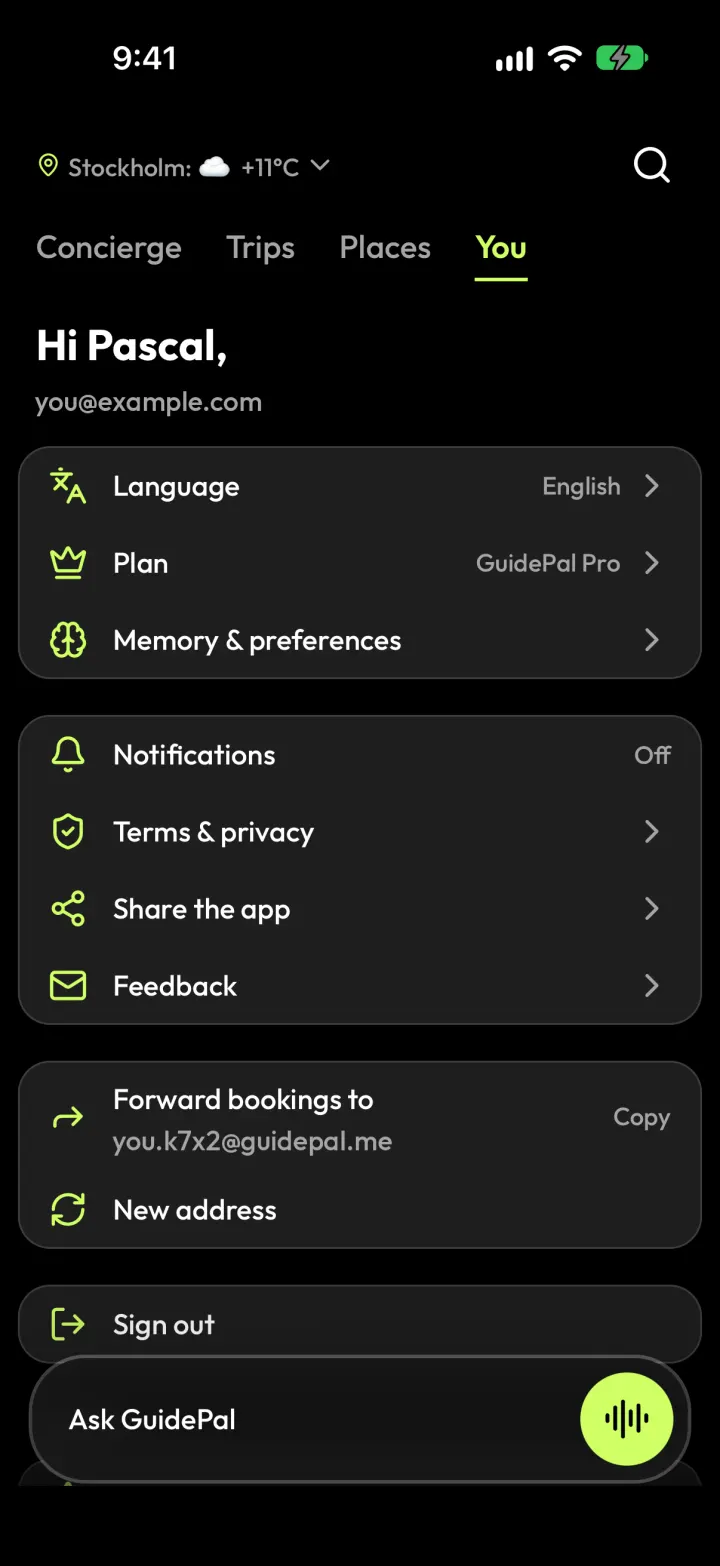
1Open You and tap Copy next to Forward bookings to.
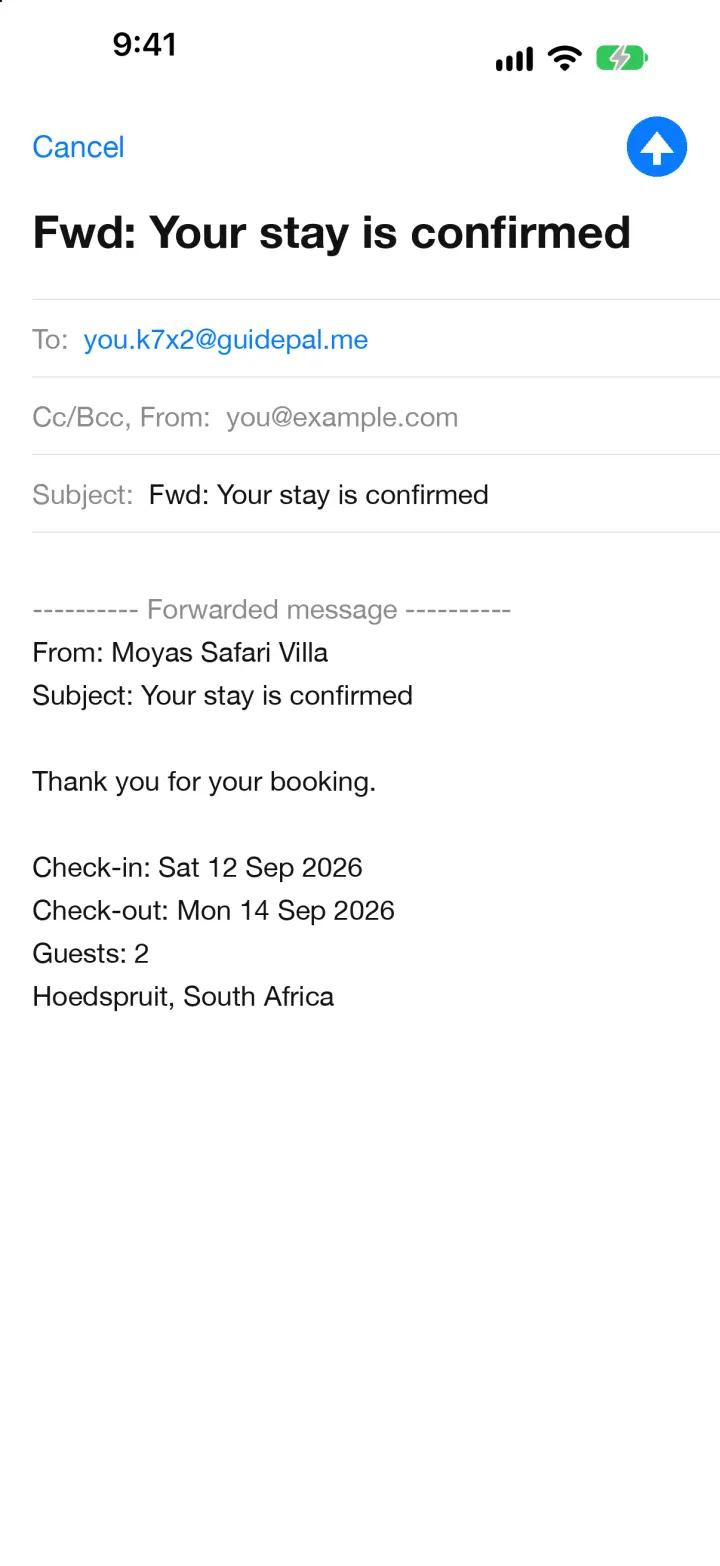
2Forward the confirmation email to that address.
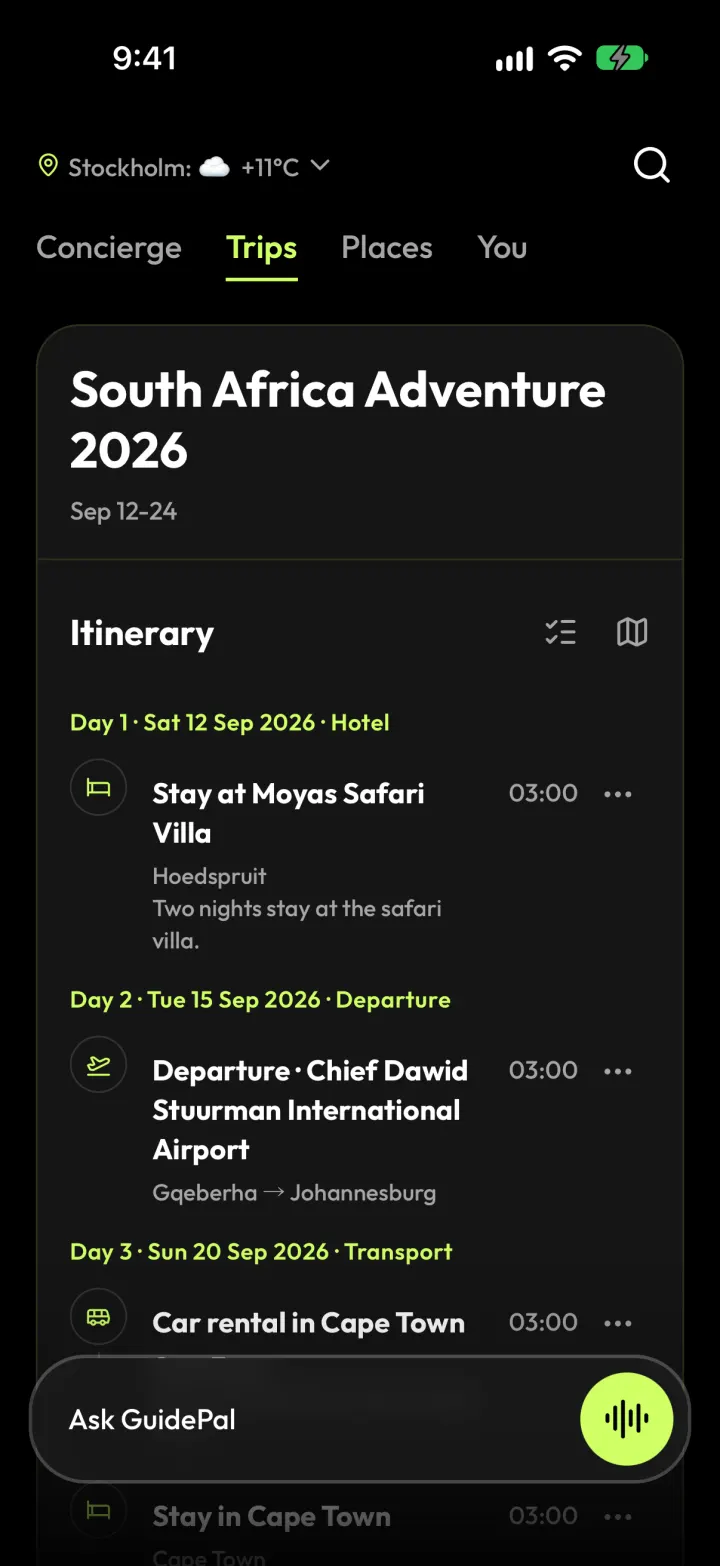
3Open Trips. The booking is already in your itinerary.
Put GuidePal in your share sheet
Do this once, and GuidePal is the first app you see when you tap Share.
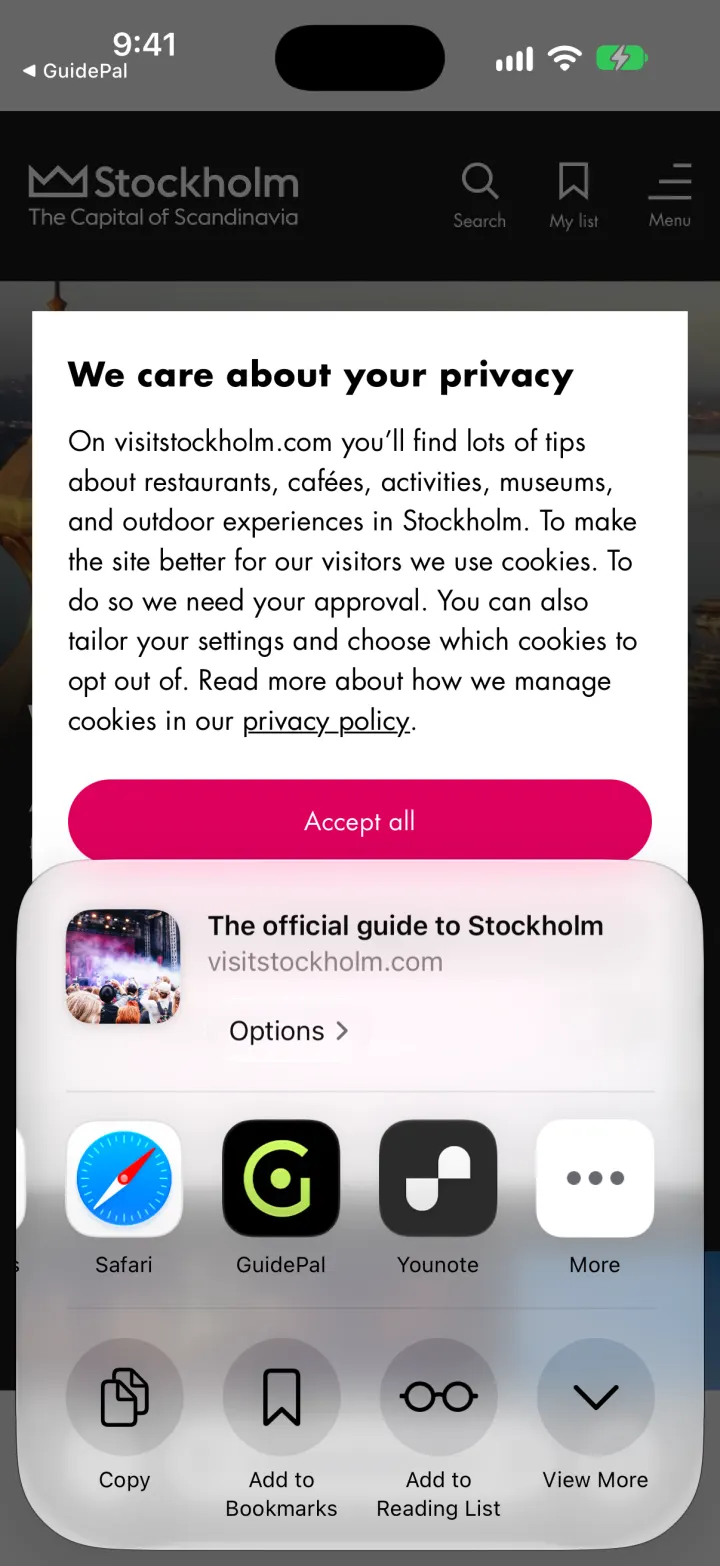
1Tap Share in any app, then scroll the apps to More.
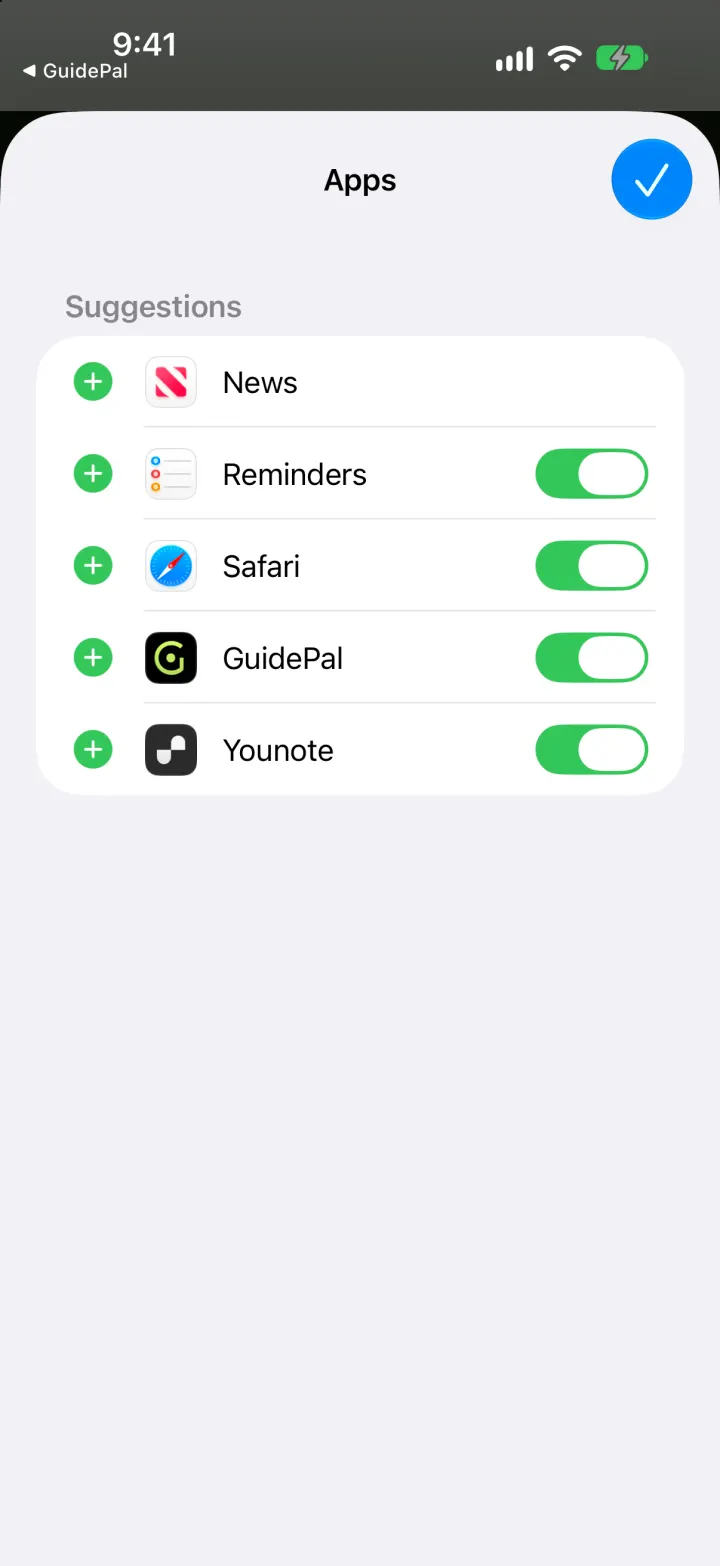
2Tap Edit, then the + next to GuidePal.
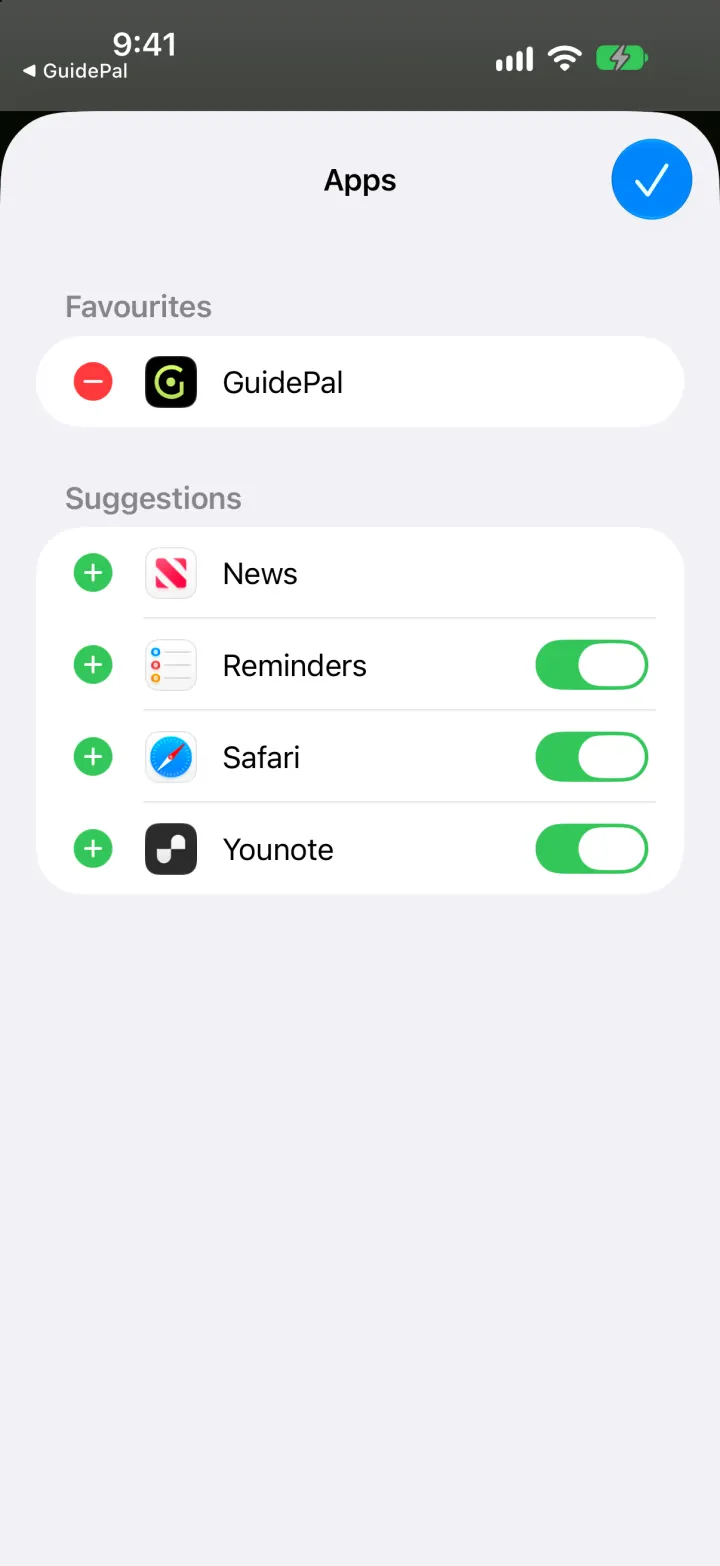
3GuidePal is now in Favourites, first in every share sheet.
Save places from reels
Saw a food reel on Instagram or TikTok? Keep the places, not just the video.
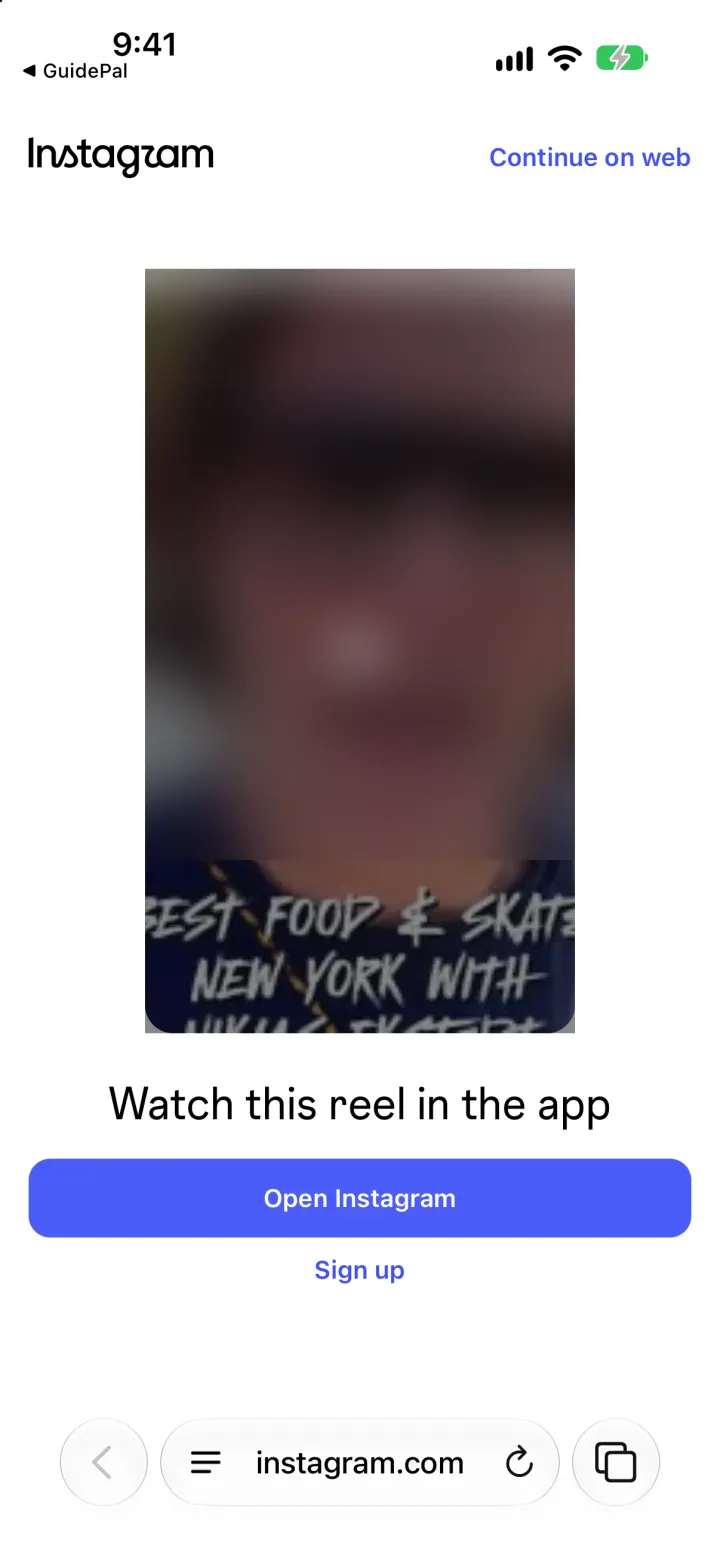
1Open the reel and tap Share.
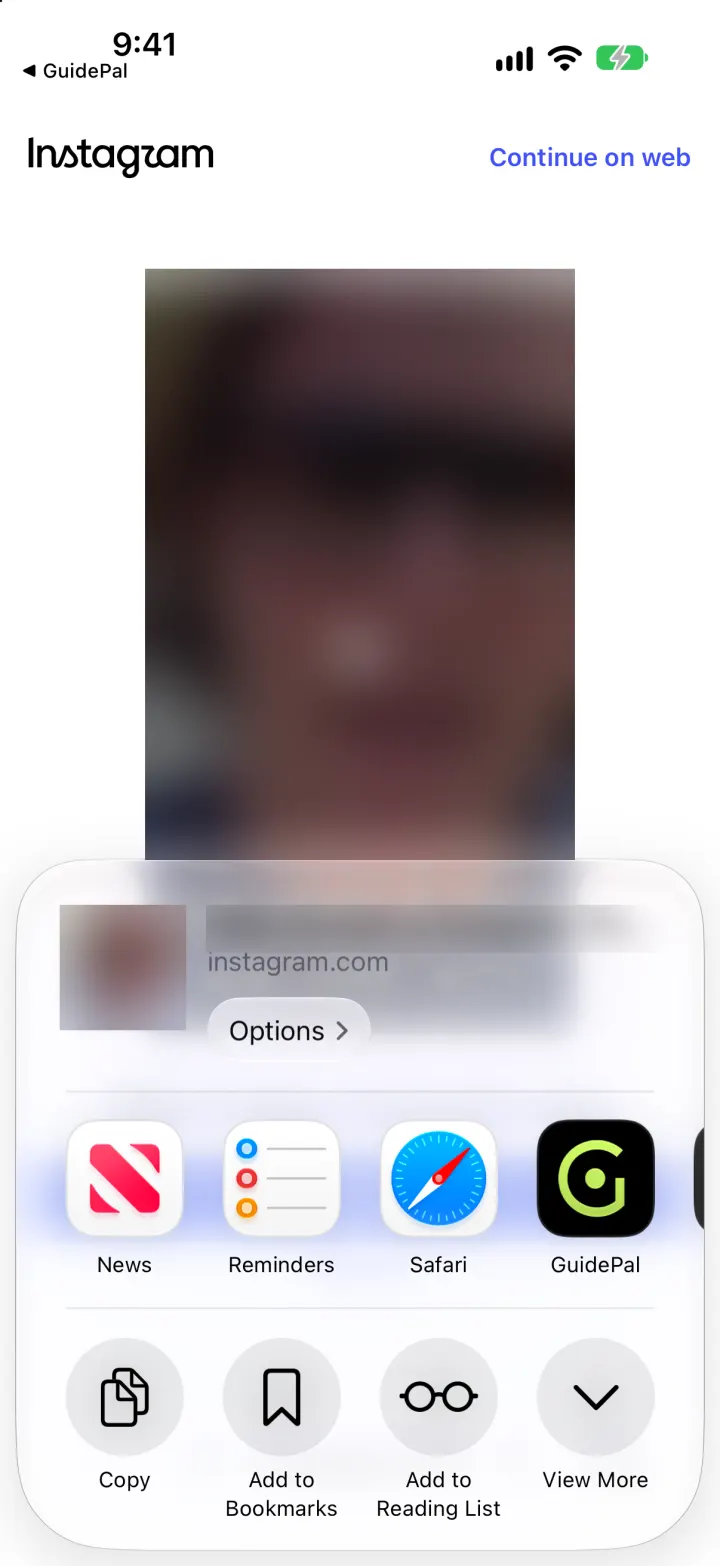
2Choose GuidePal.
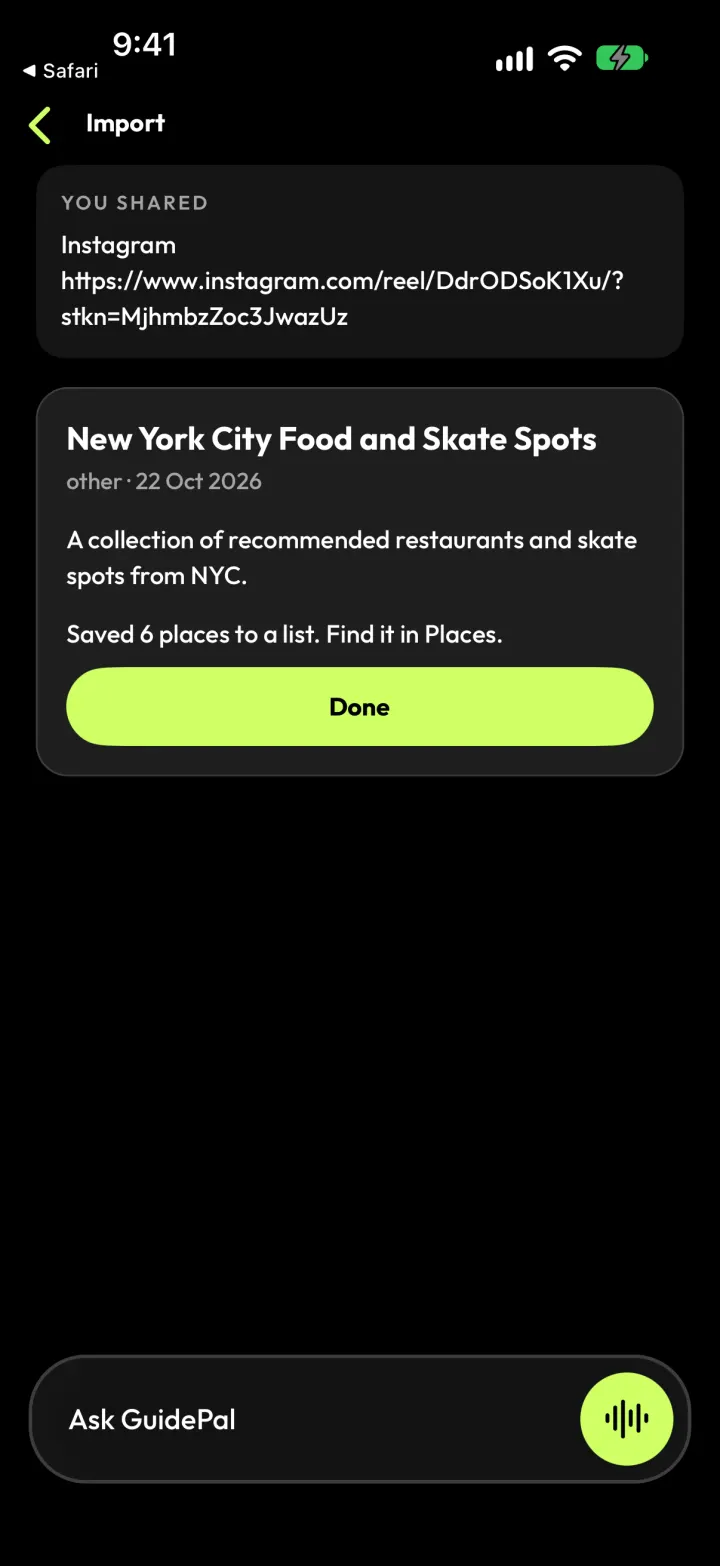
3GuidePal finds the places in it and saves them as a list.
Save a place from Google Maps
Anything you find on Google Maps can come with you.
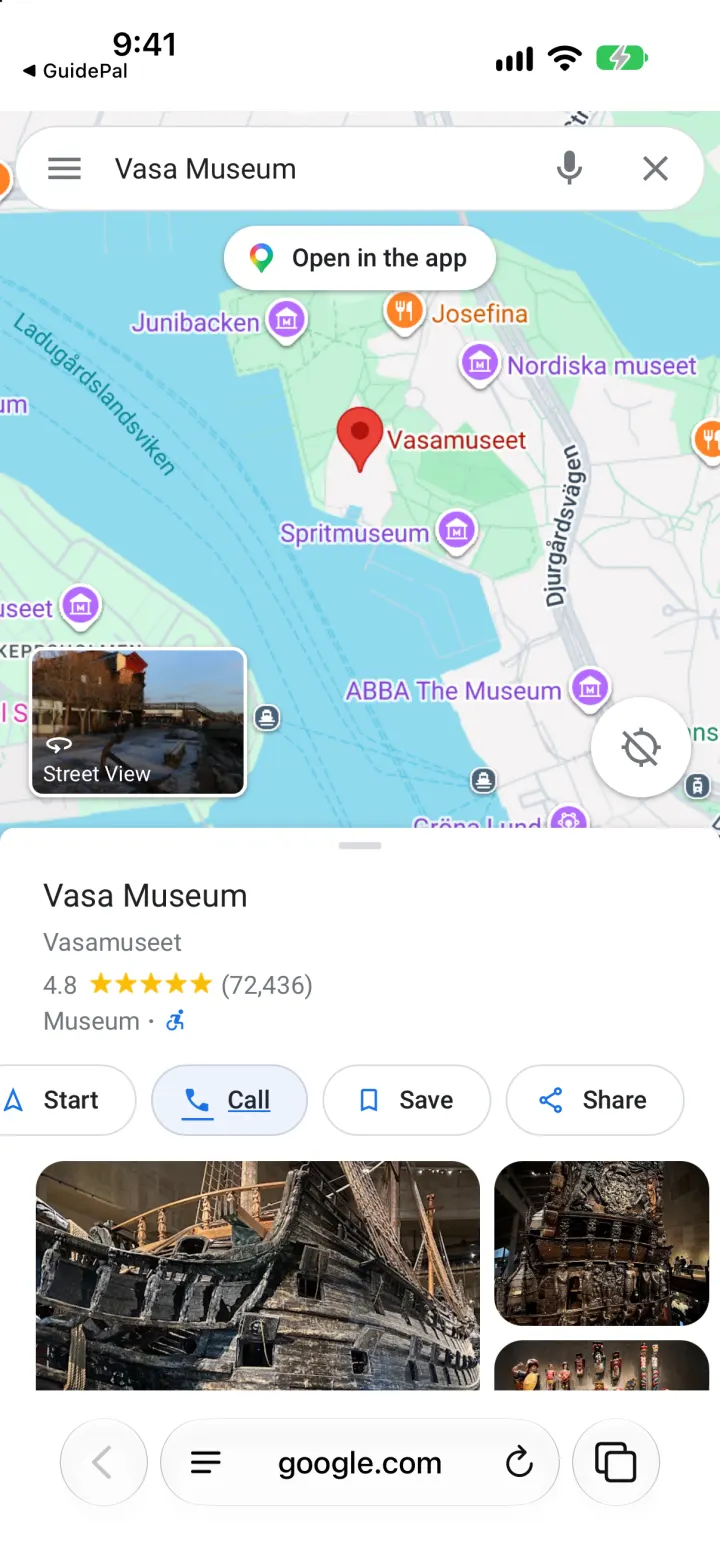
1Open the place in Google Maps and tap Share.
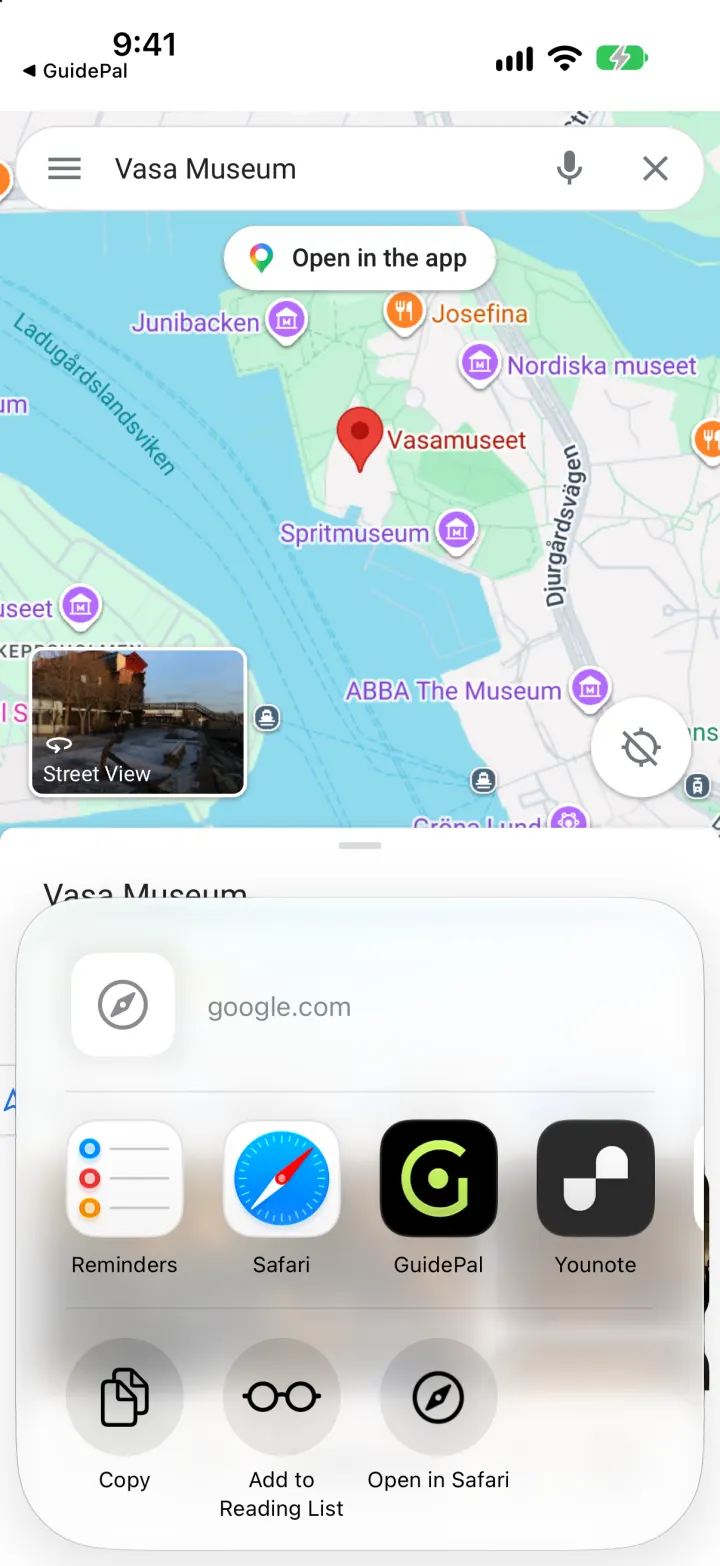
2Choose GuidePal.
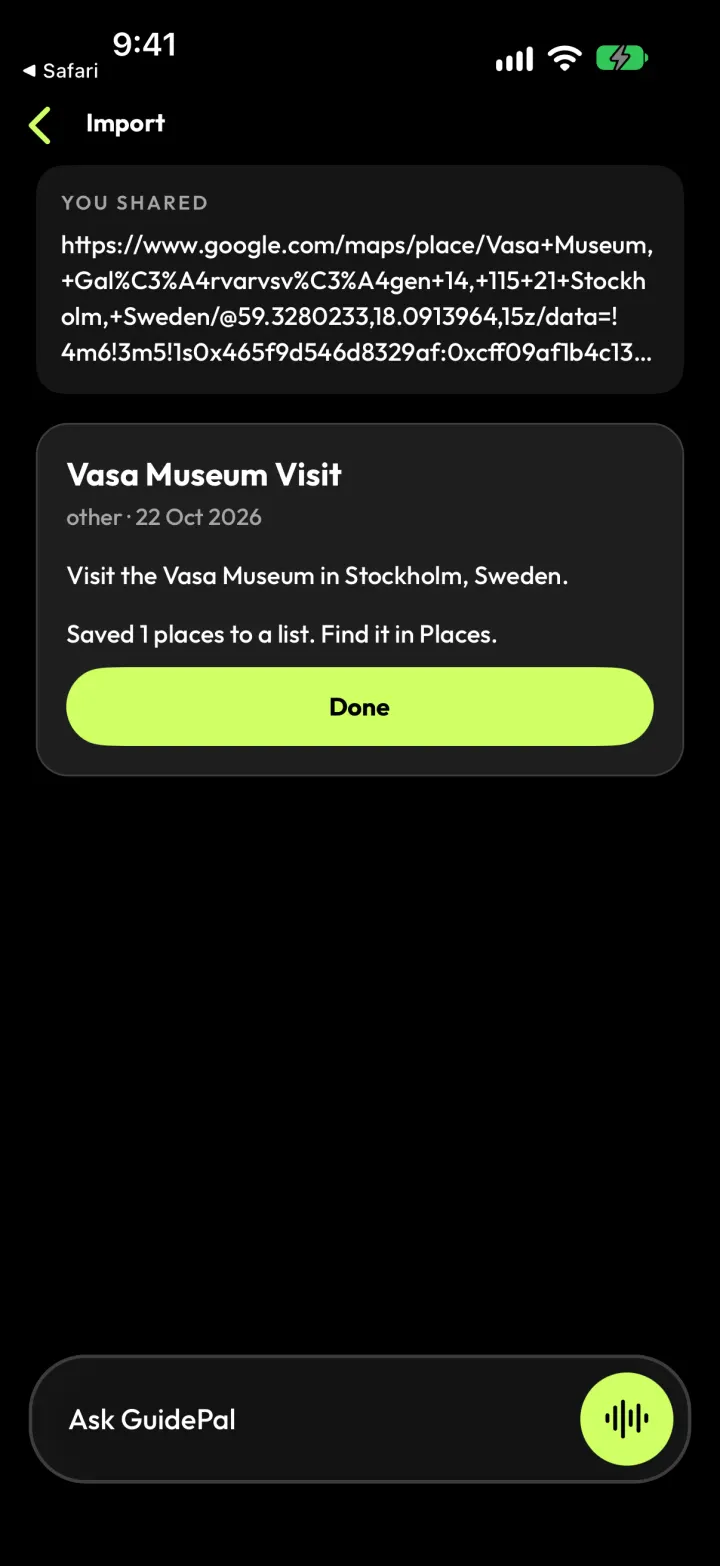
3It's saved to your places, with photos and details.
Import a Google Maps list
Bring a whole list over at once: yours or one a friend shared.
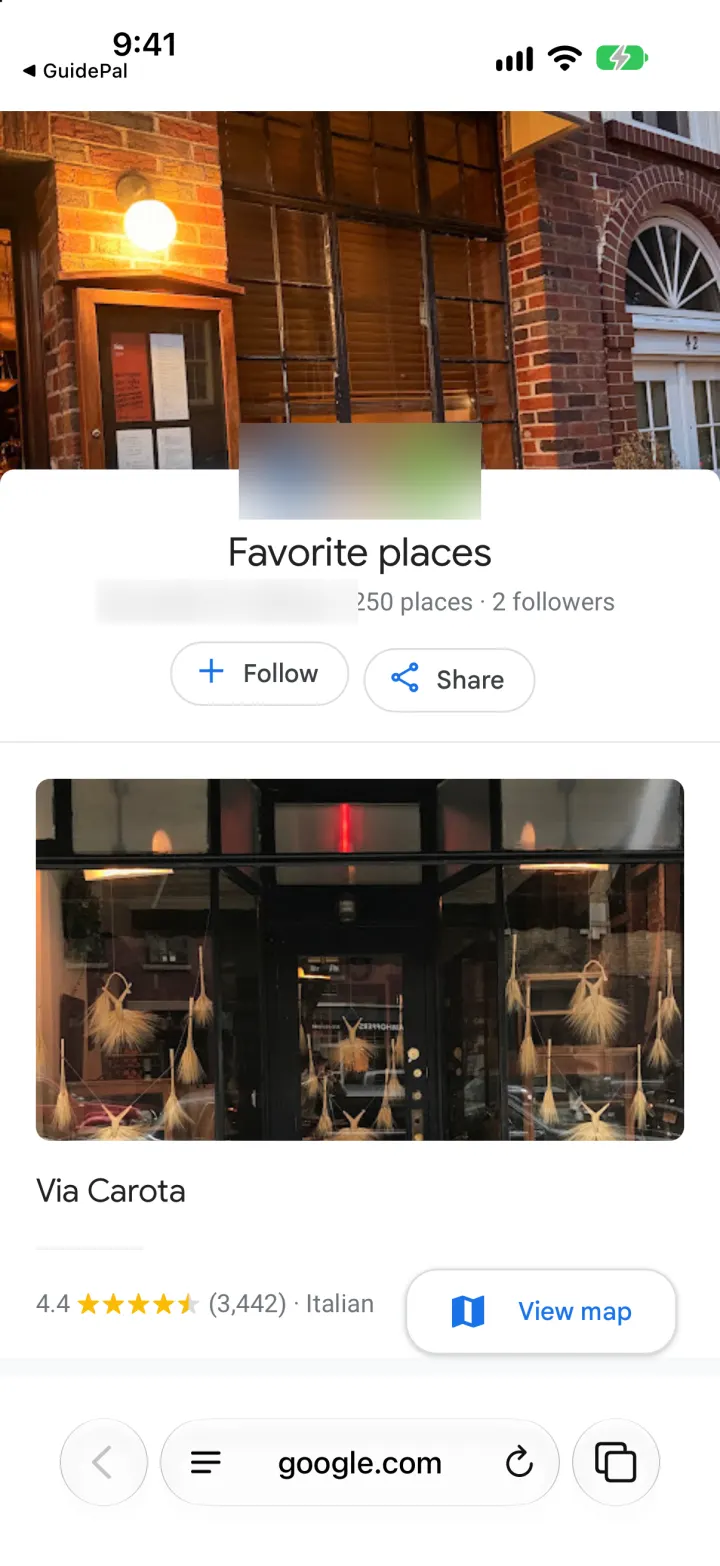
1Open the list in Google Maps and tap Share.
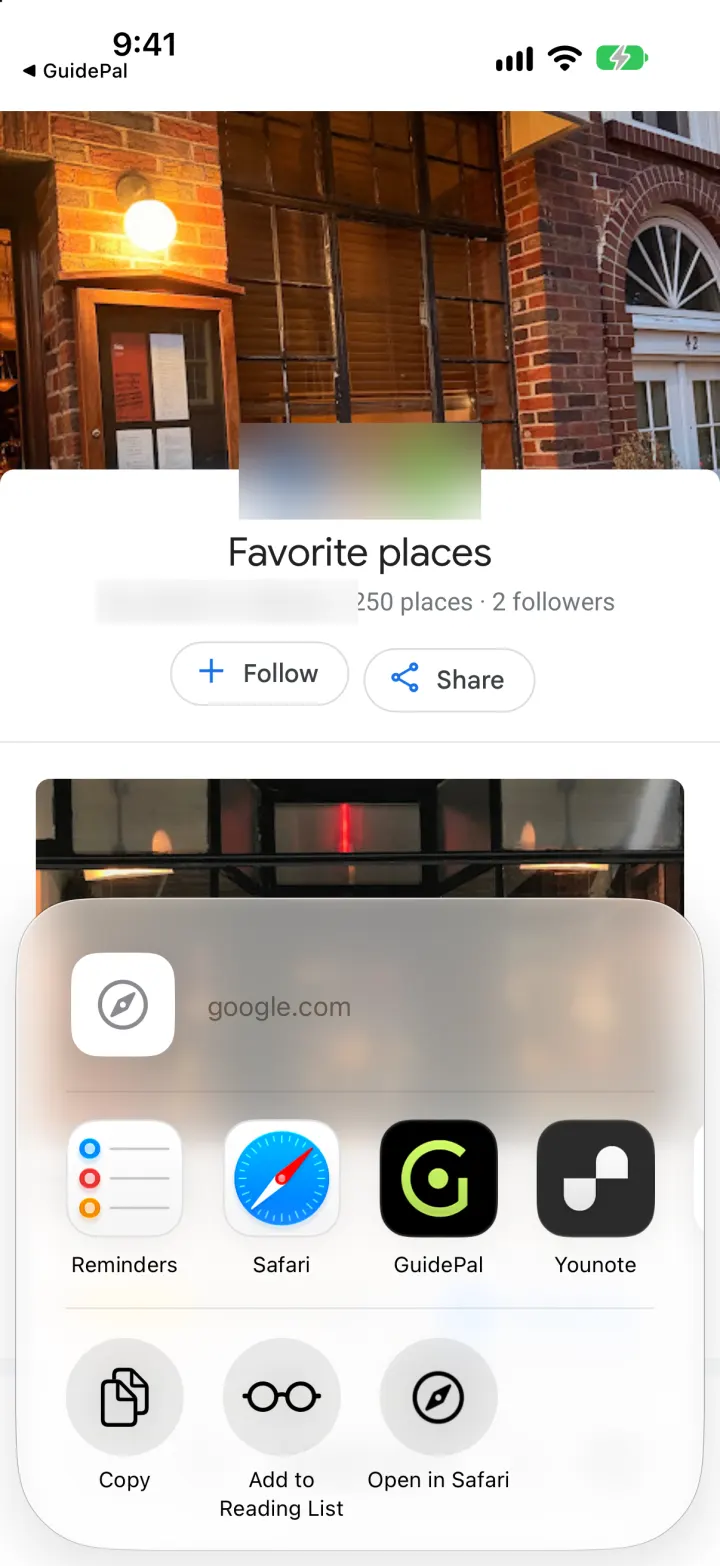
2Choose GuidePal.
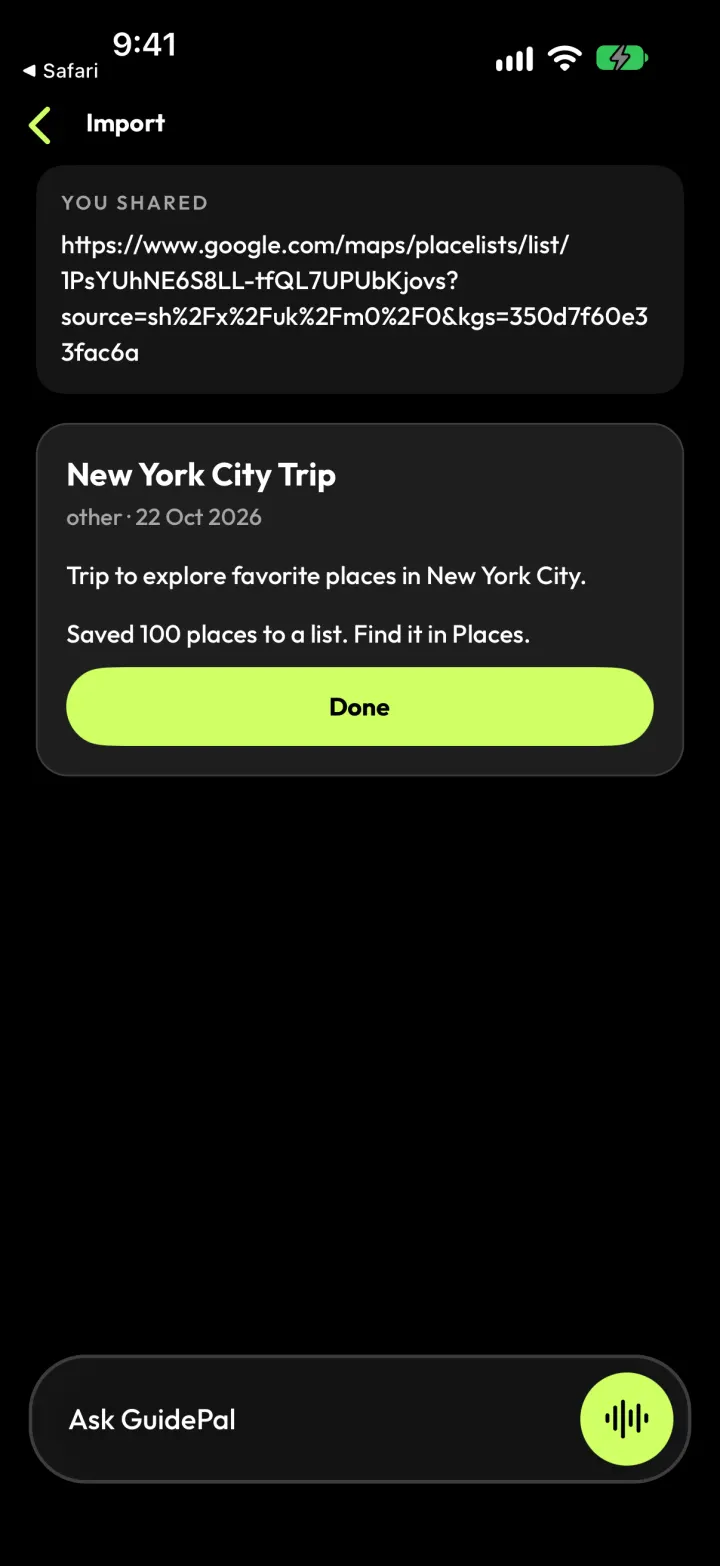
3Every place lands in a new list, ready to use.
Ask
Ask for places nearby
Ask it like you'd ask a local friend. Type it or say it.
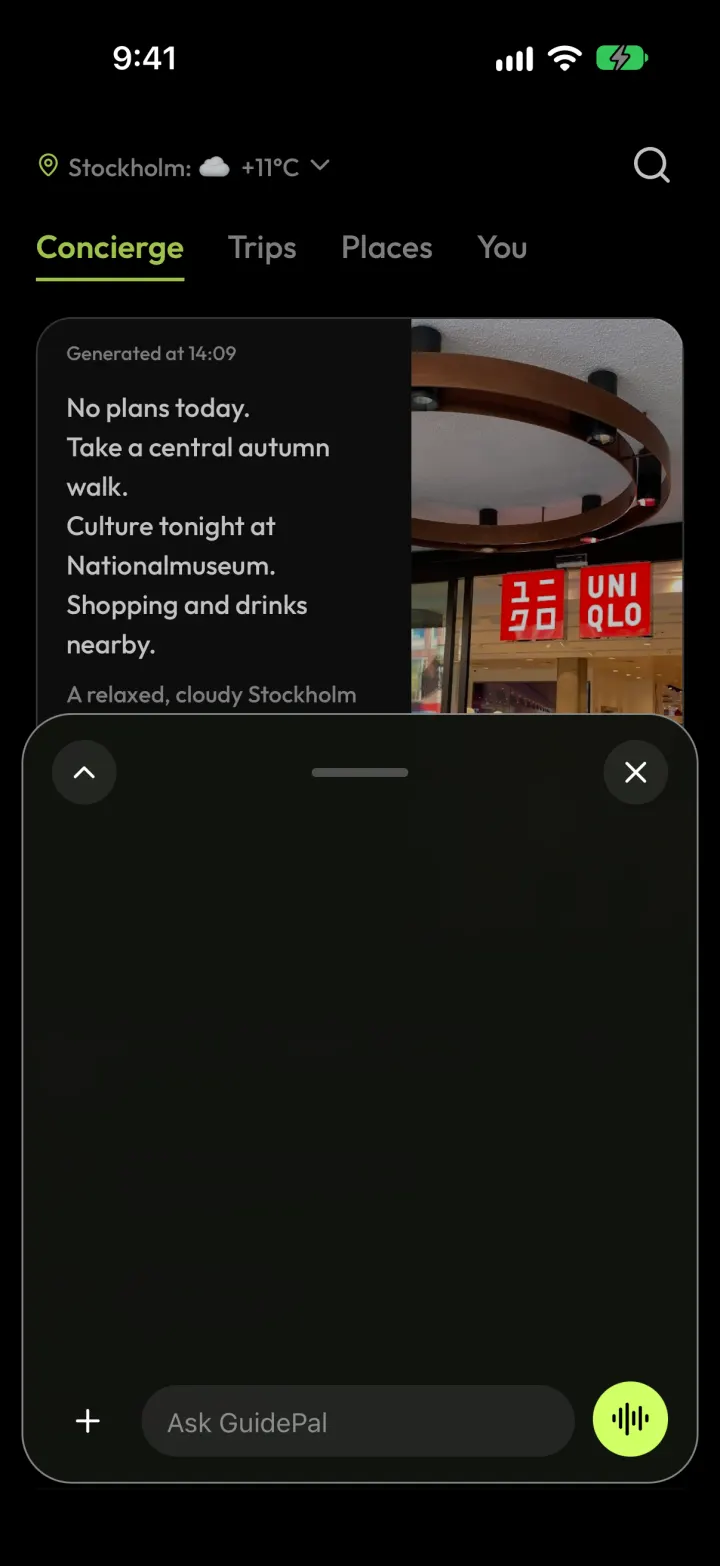
1Tap Ask GuidePal, or tap the mic and just talk.
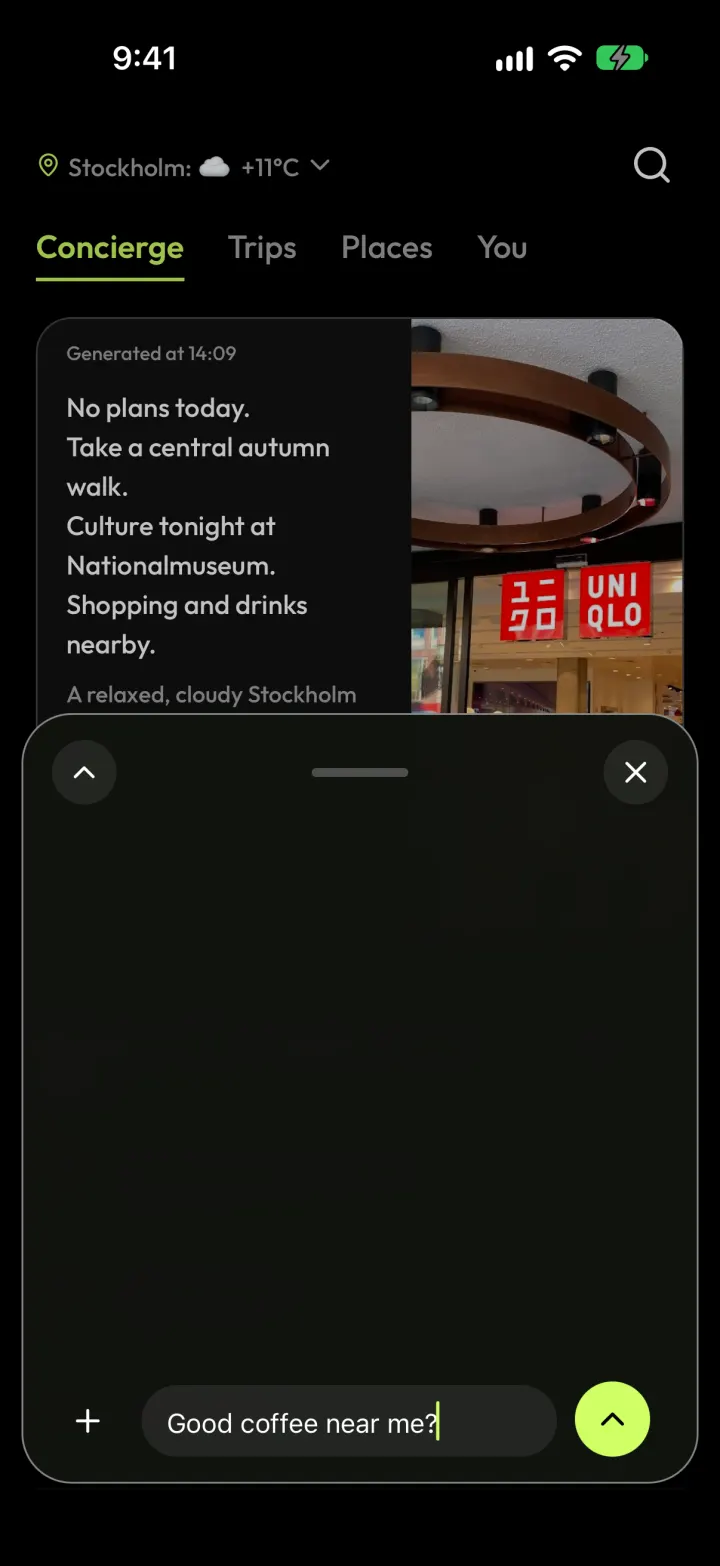
2Ask for what you want: “Good coffee near me?”
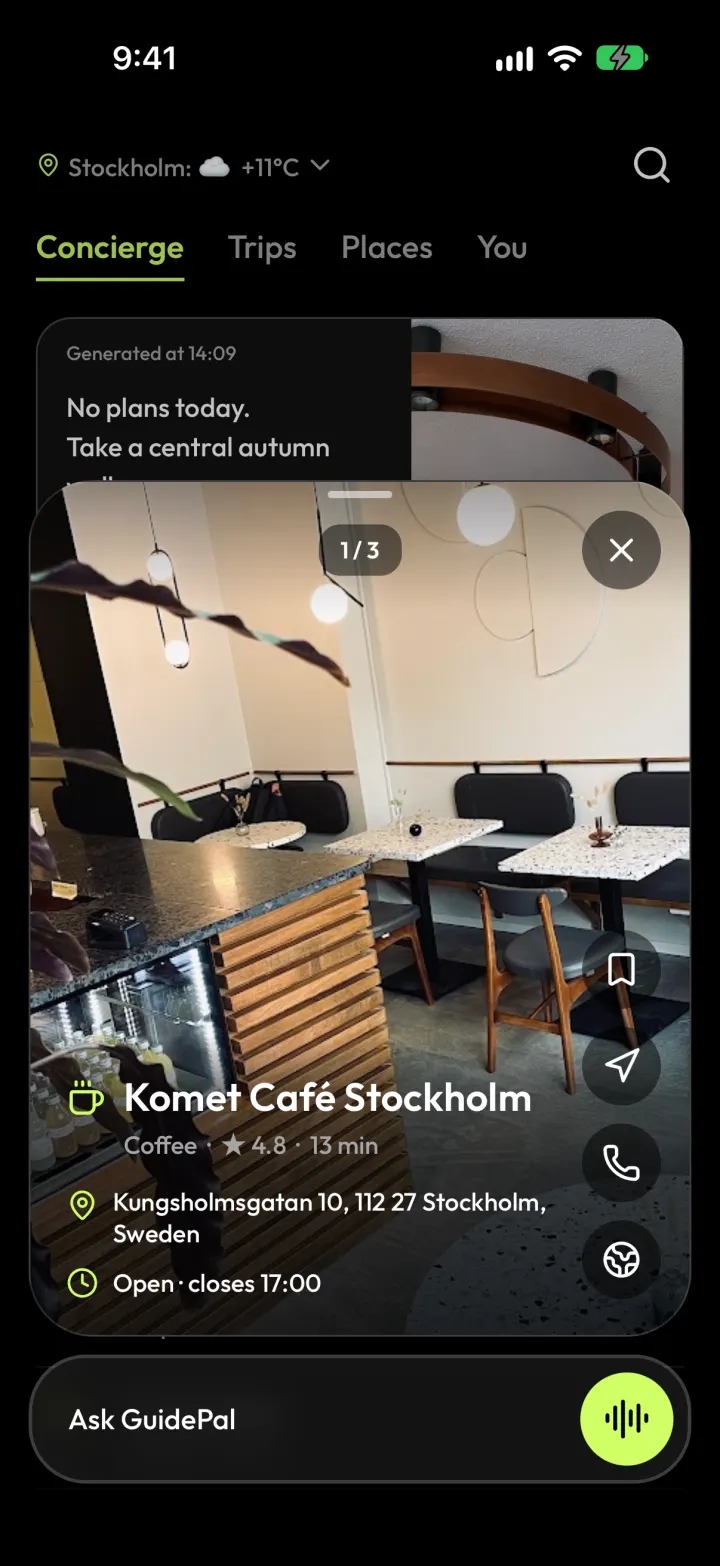
3Swipe through the picks, with walking time and opening hours.
Read a place's vibe
Know what a place is like before you go.
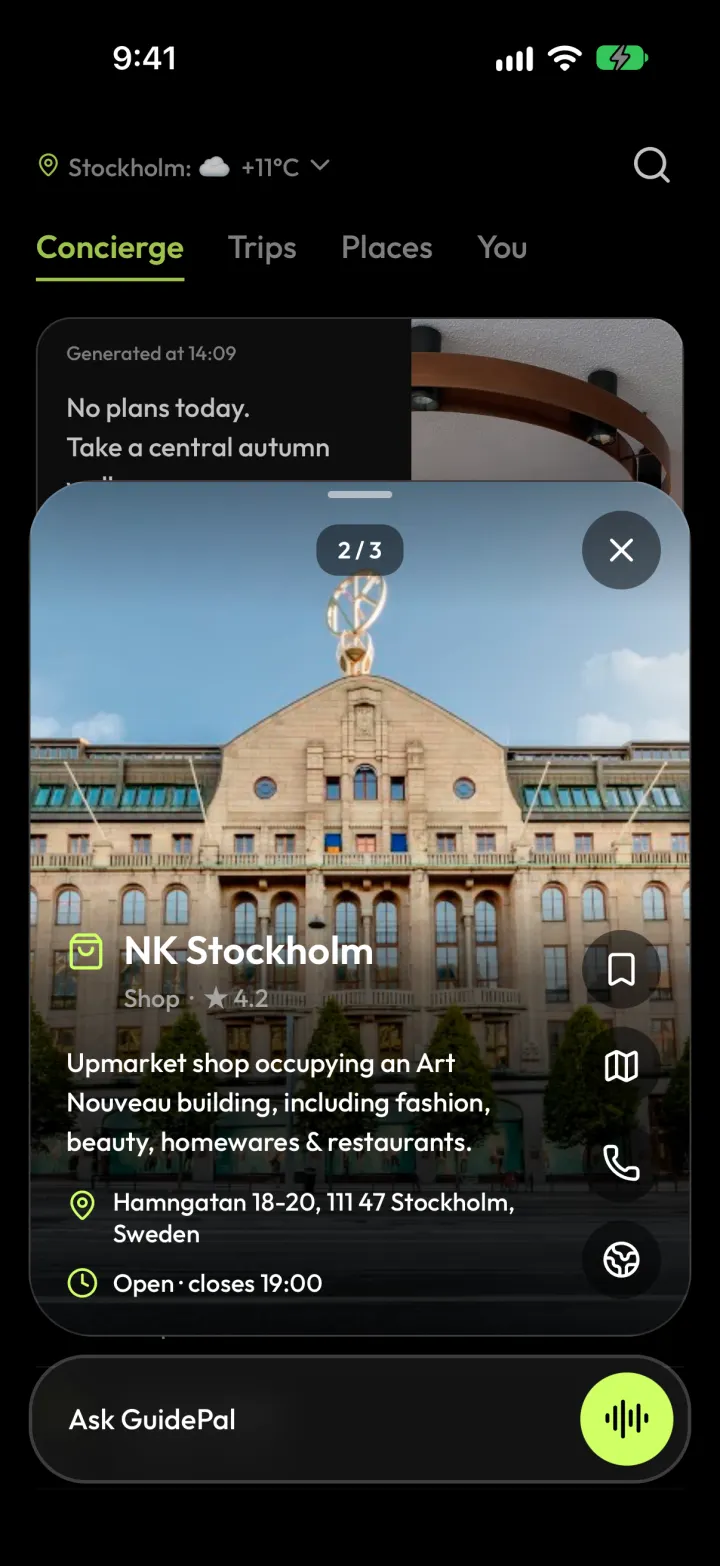
1Tap any place.
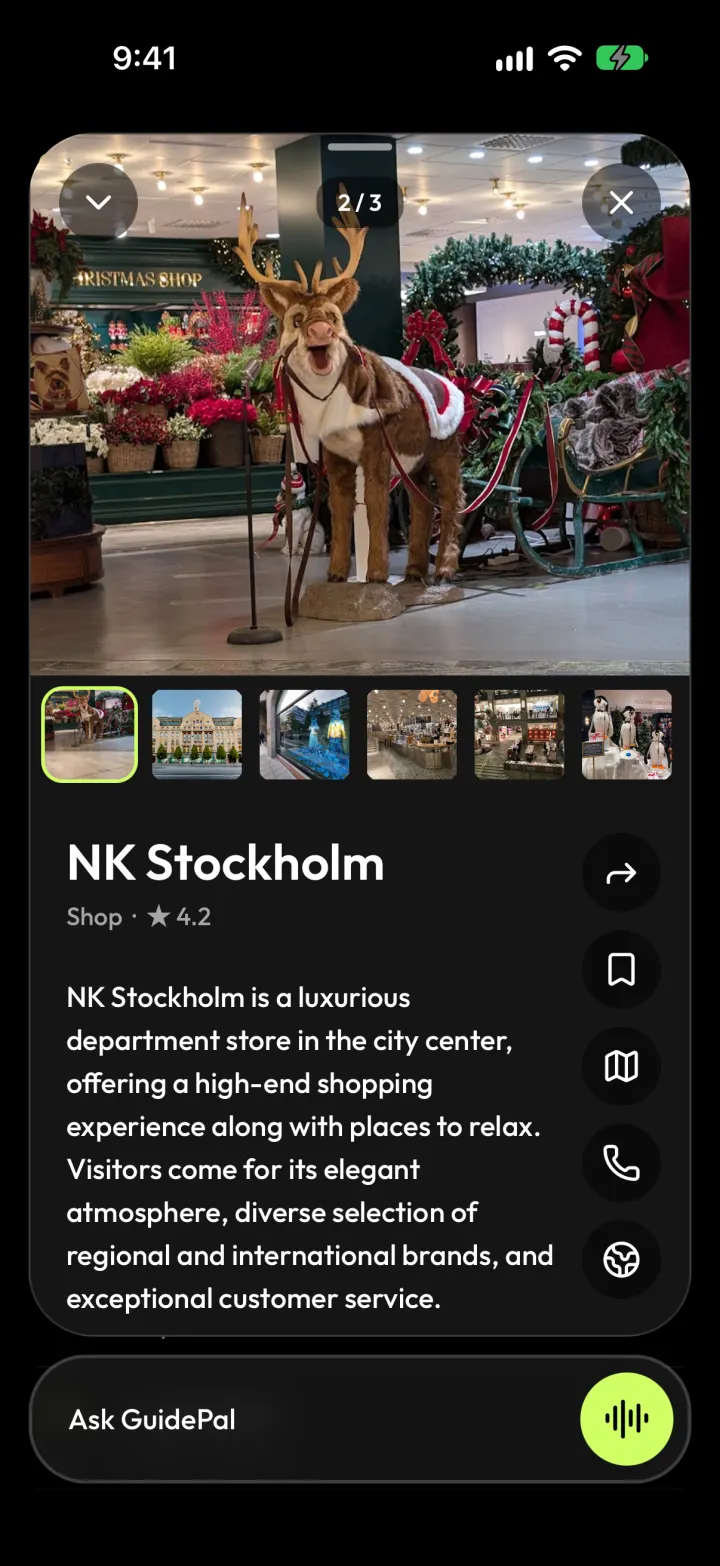
2Swipe up for photos and the full story.
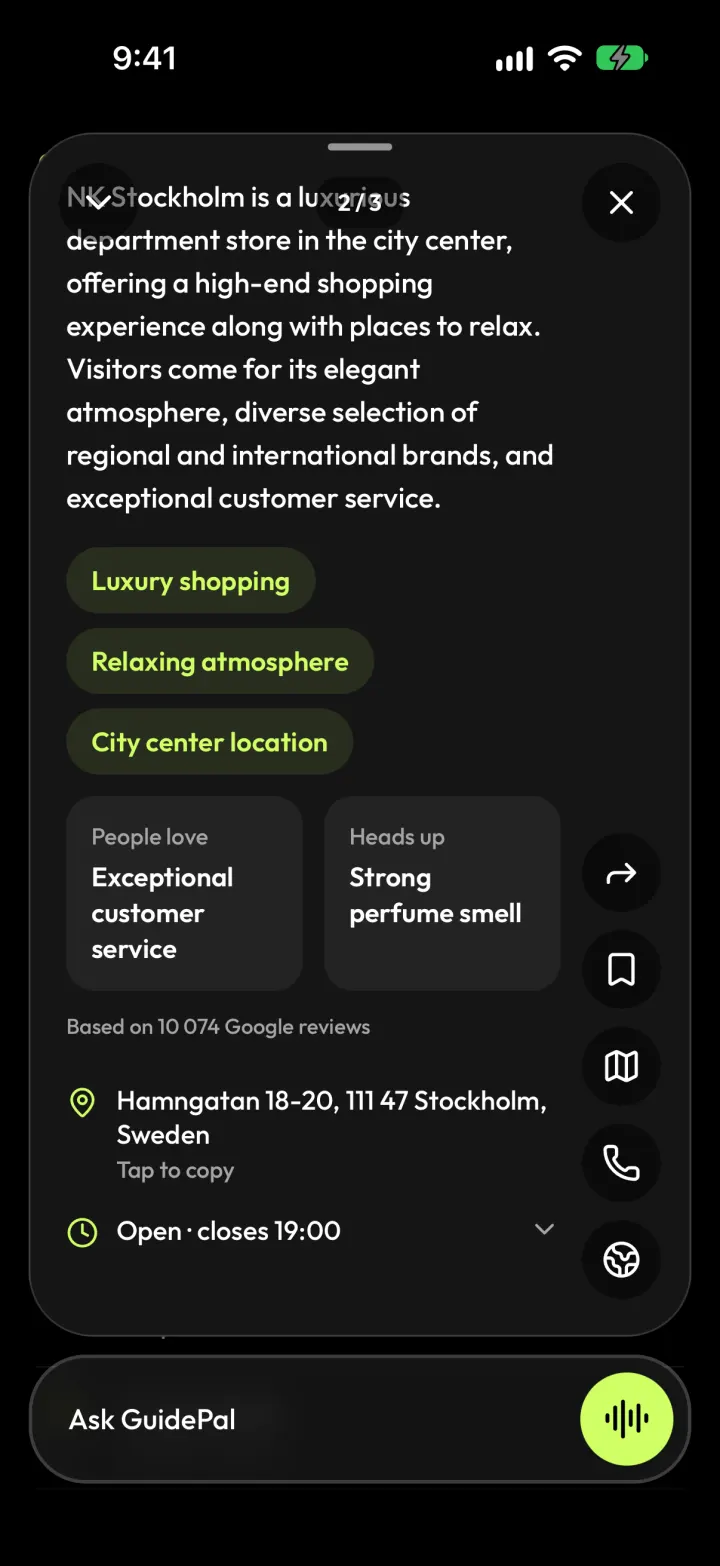
3See what people love, and what to watch out for.
See it on a map
Every set of picks, list and trip has its own map.
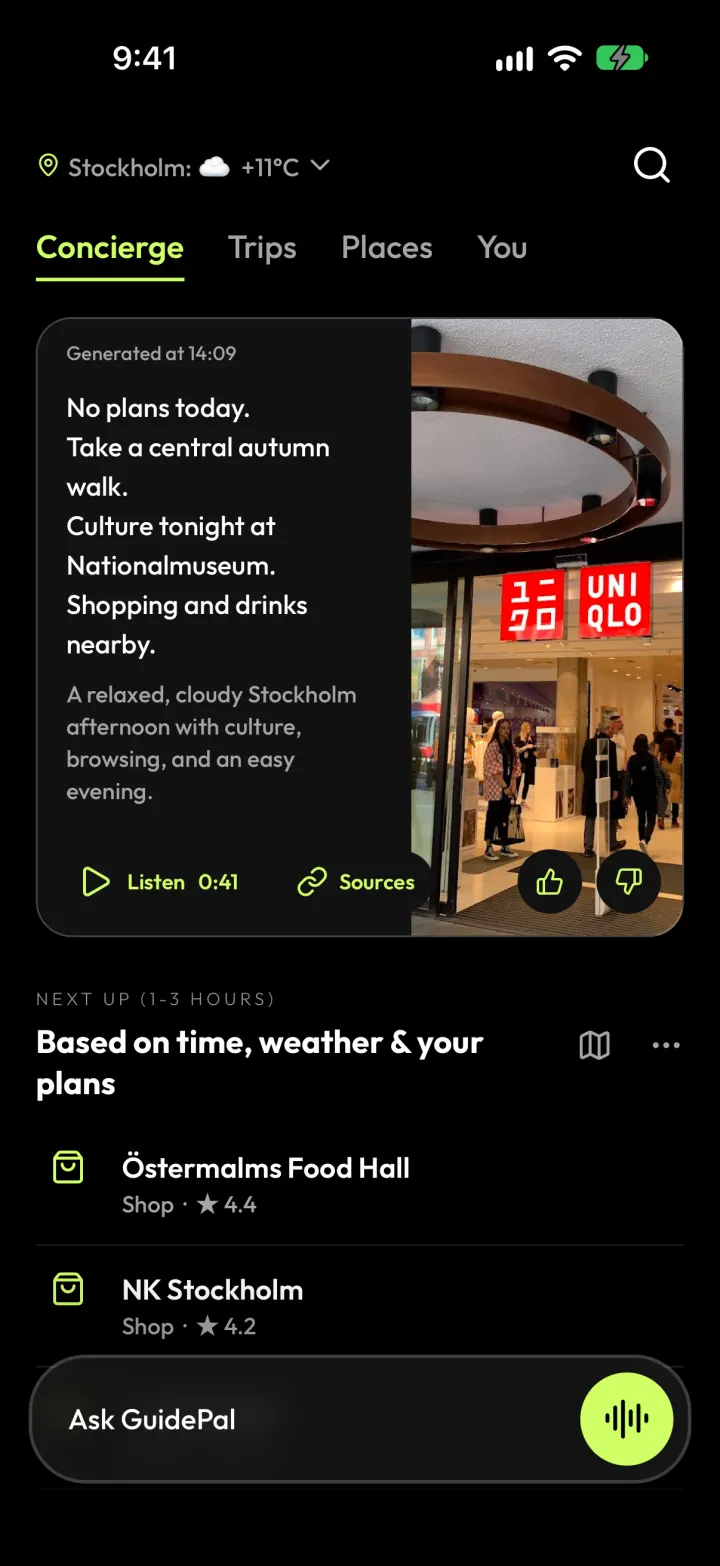
1Tap the map icon next to any picks, list or trip.
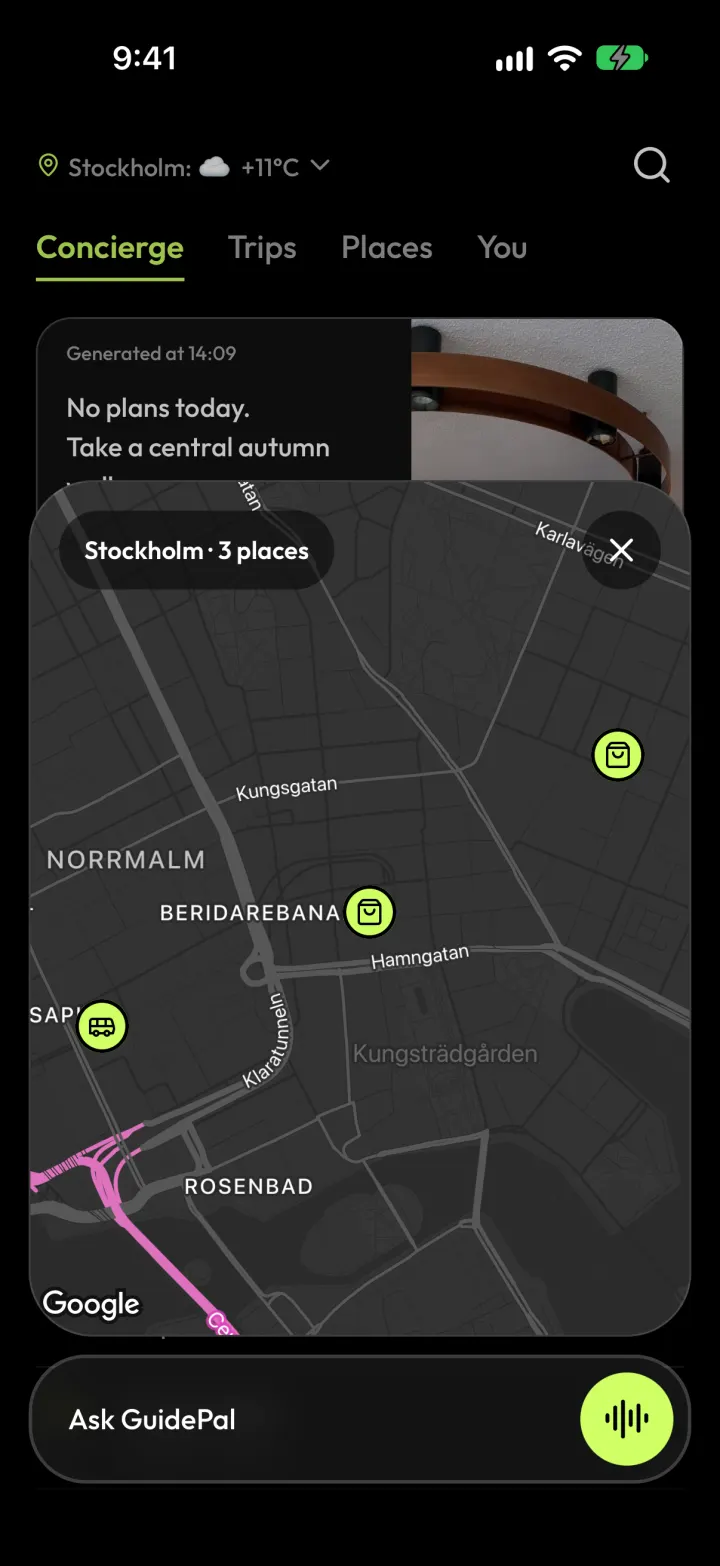
2See every place at once.
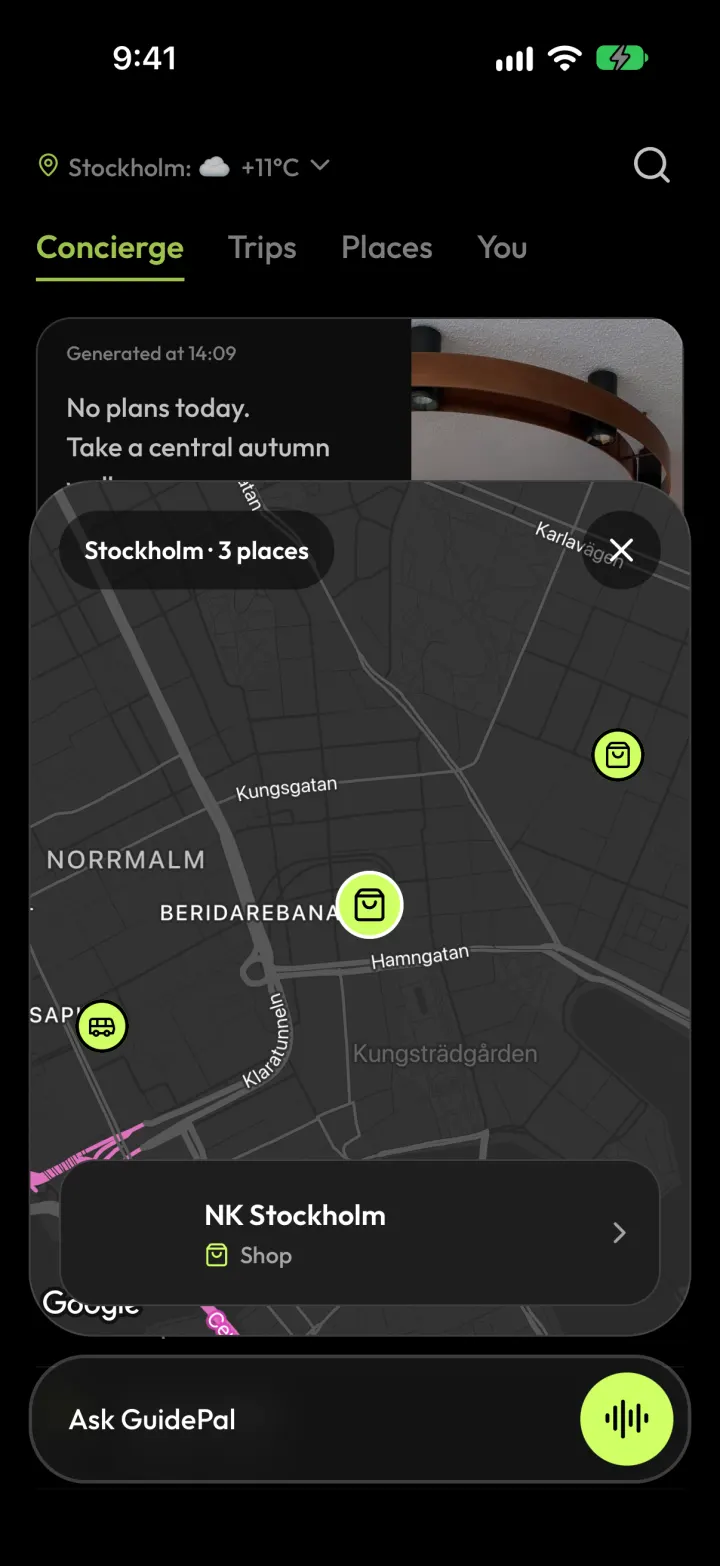
3Tap a pin to open the place.
Organize
Make a list
Group places your way: date night, rainy day, must-eats.
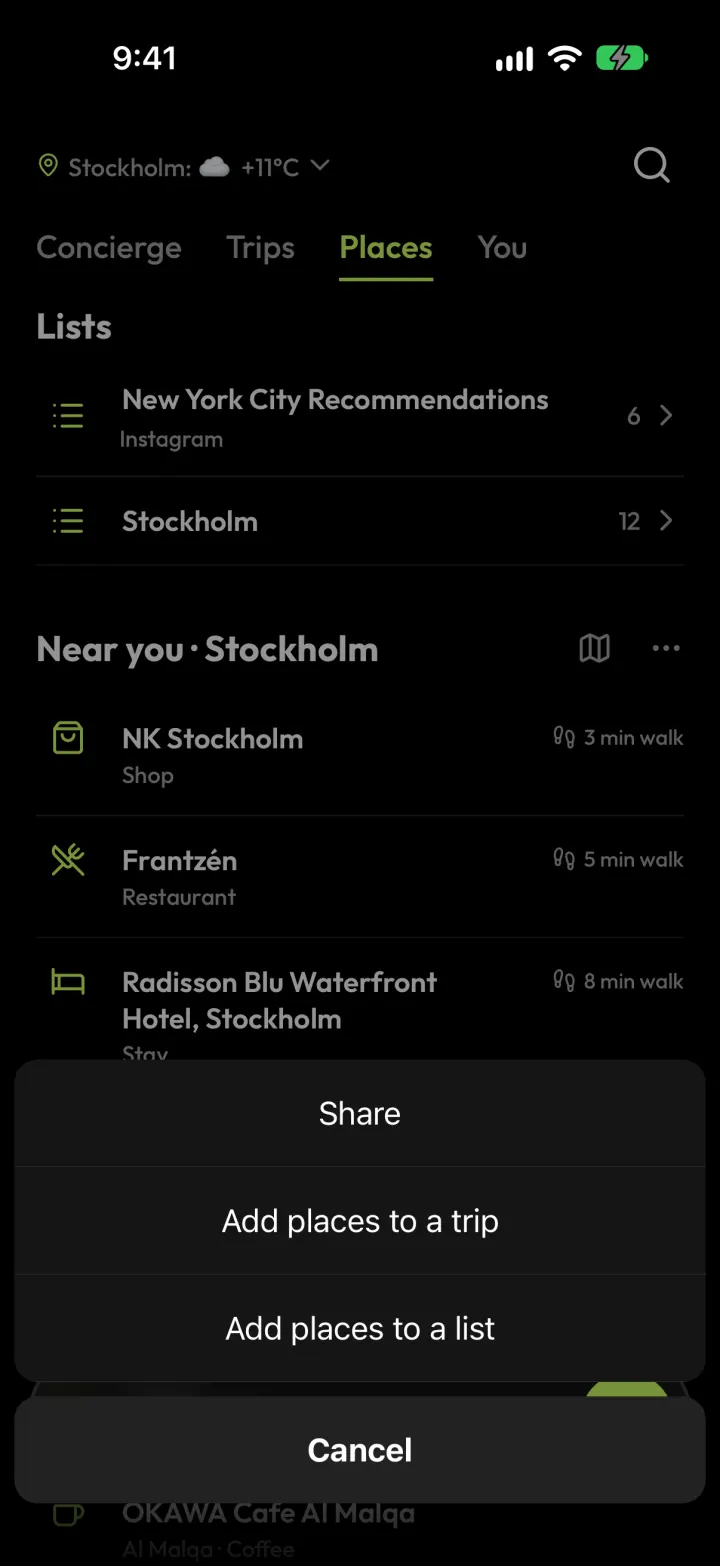
1In Places, tap ··· next to a city, then Add places to a list.
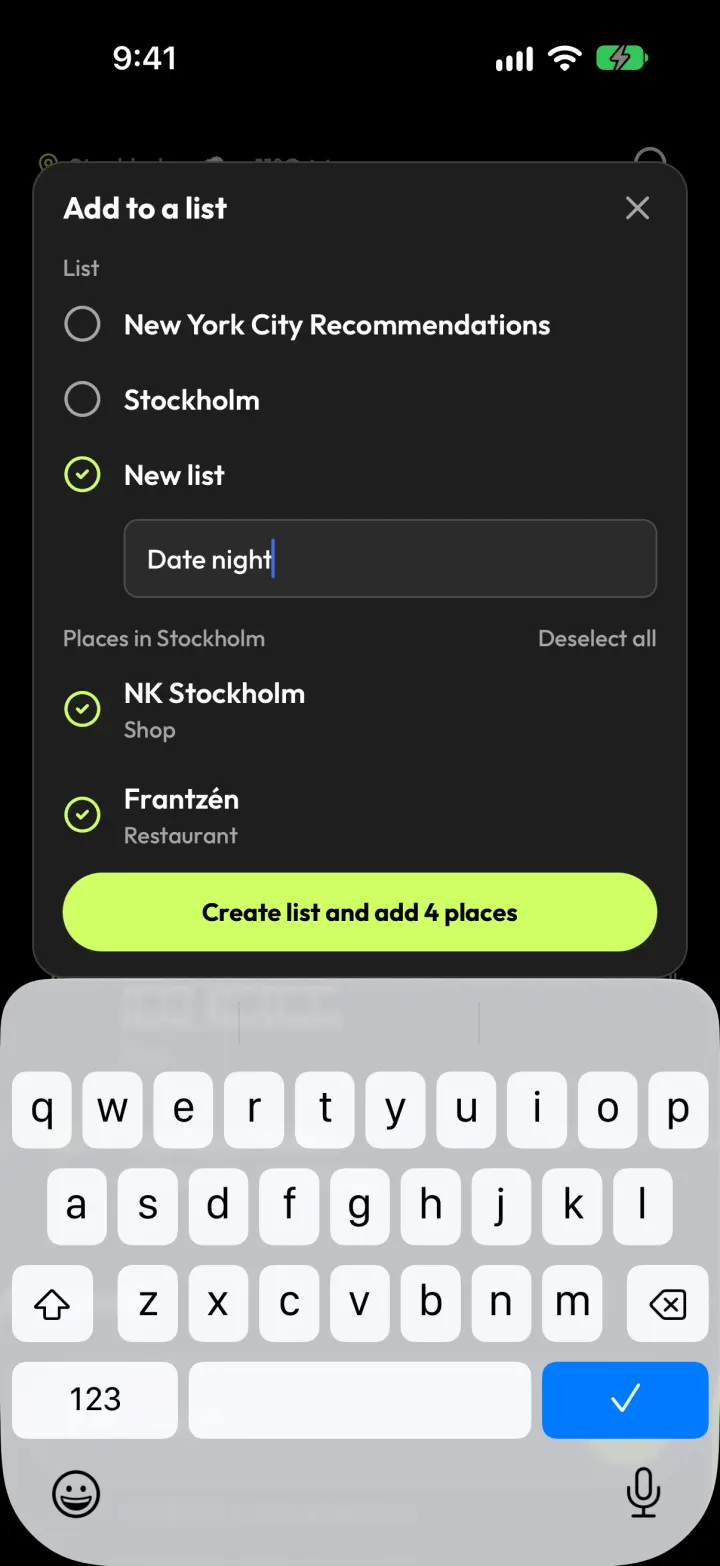
2Pick New list, name it and choose the places.
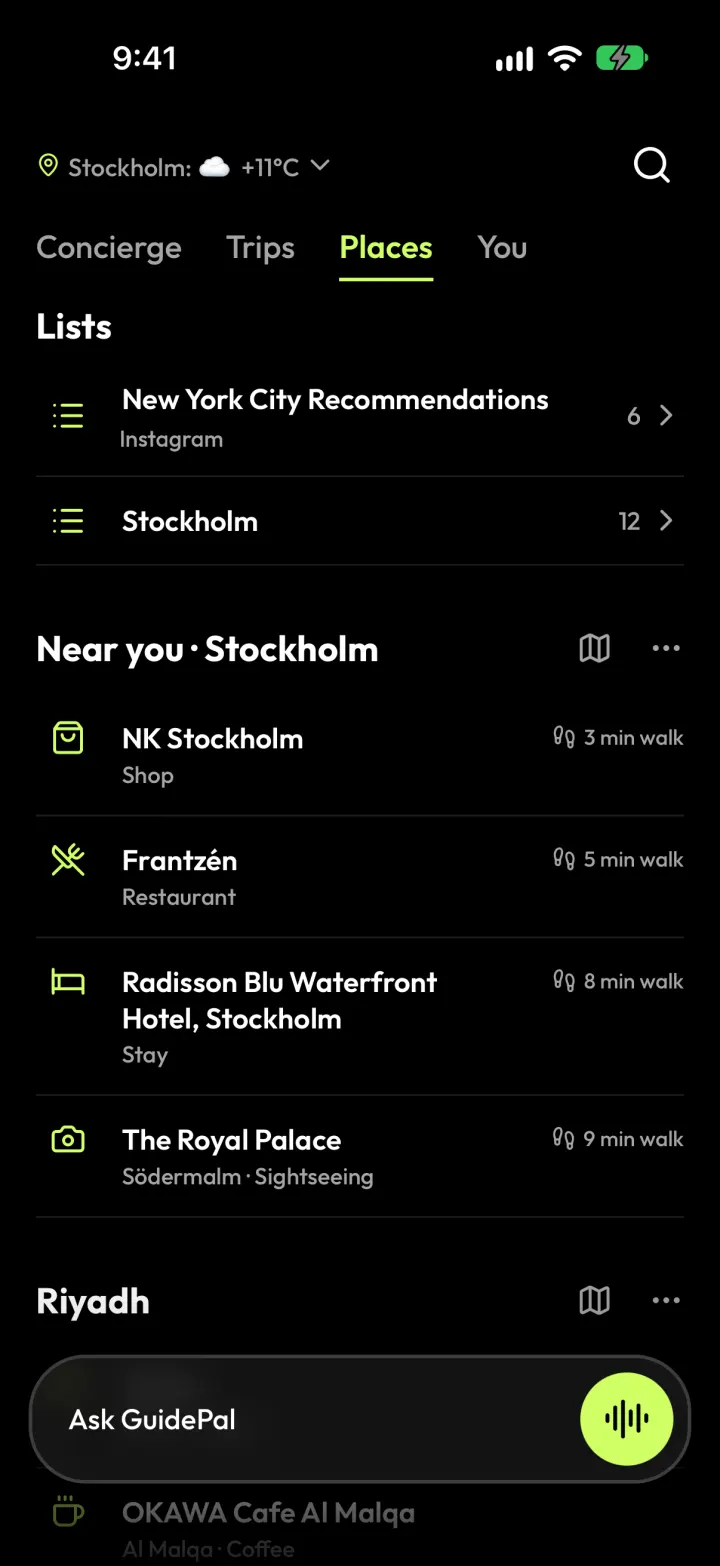
3Your lists live at the top of Places.
Keep a trip checklist
Things to pack or do before you go. Only you can see it.
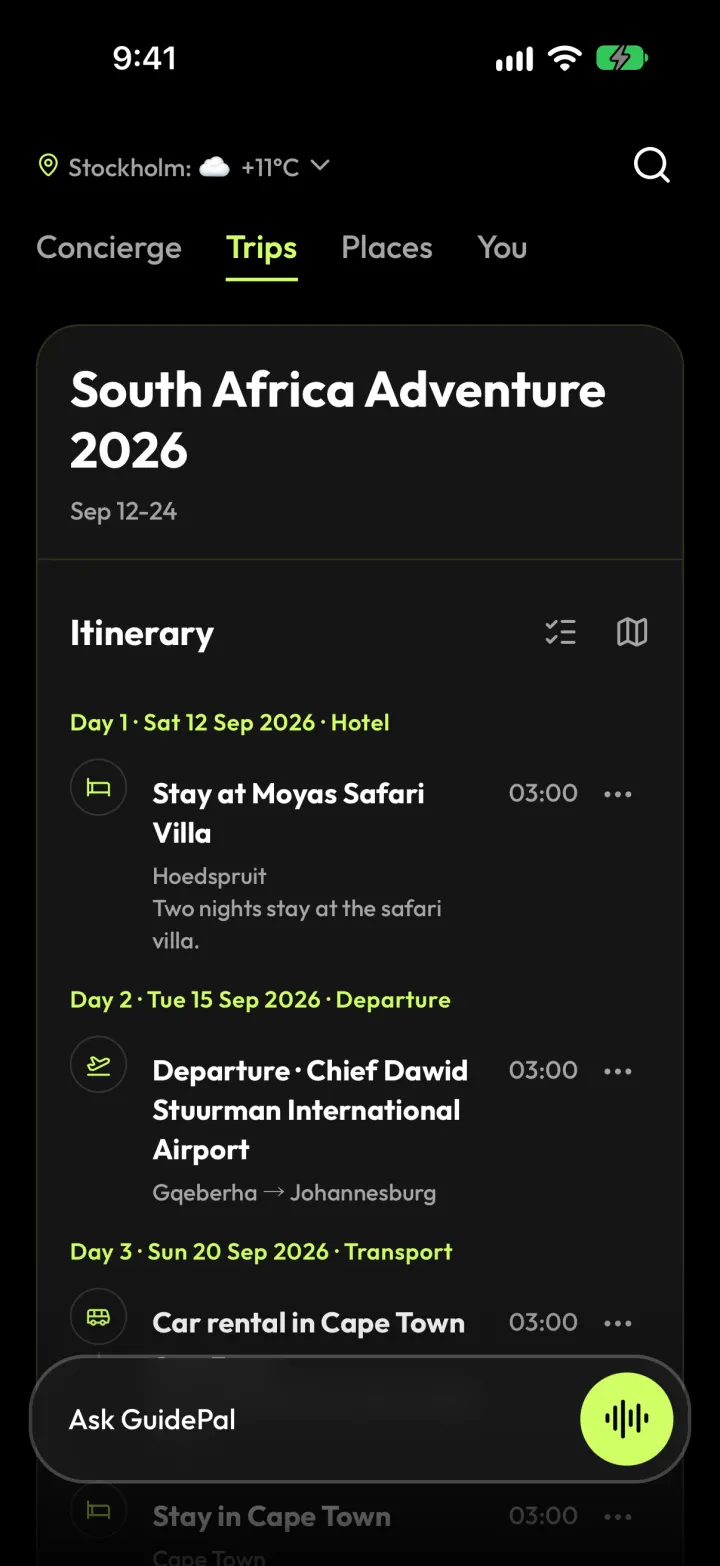
1Open your trip and tap the checklist icon next to Itinerary.
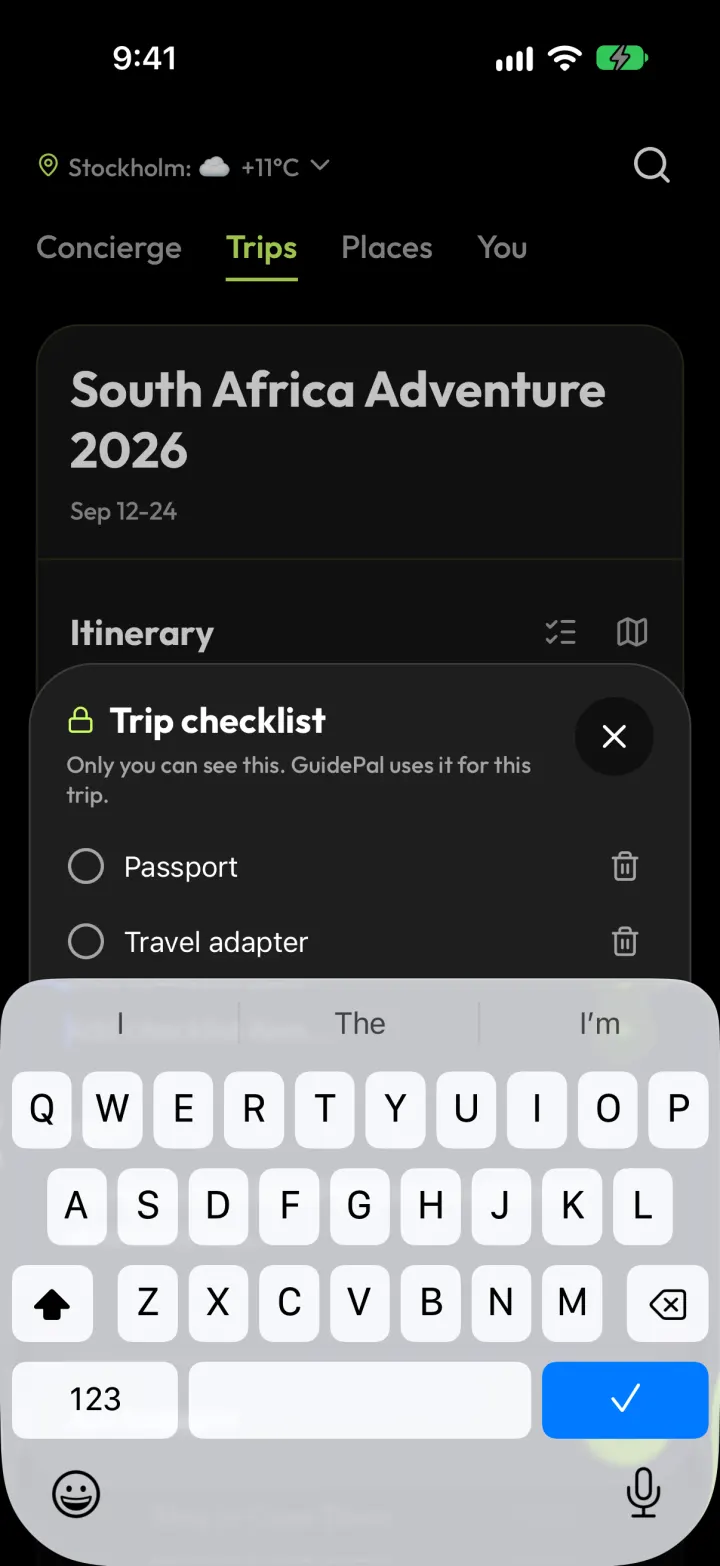
2Type an item and tap +.
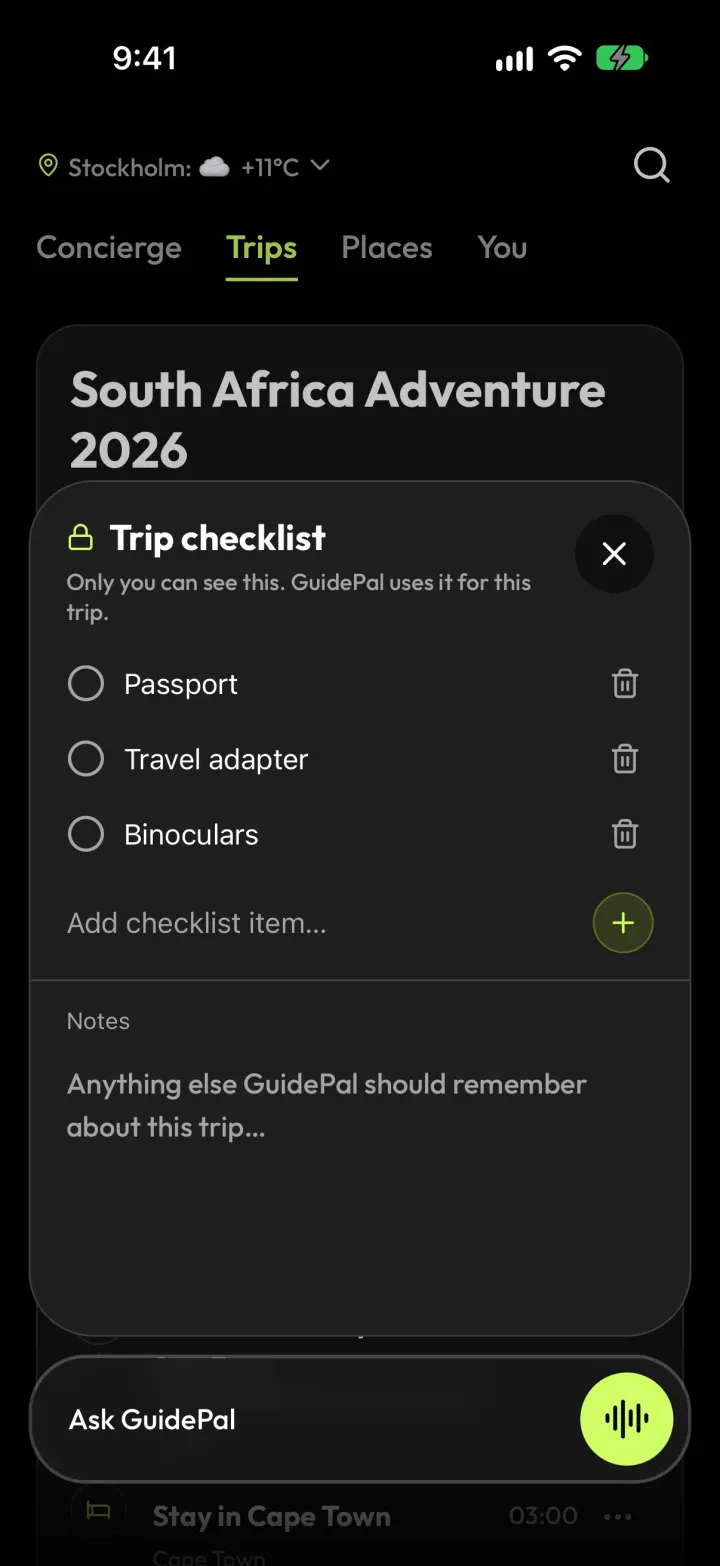
3Tick things off as you go.
Tell it what you like
GuidePal learns your style as you go. You can also just tell it.
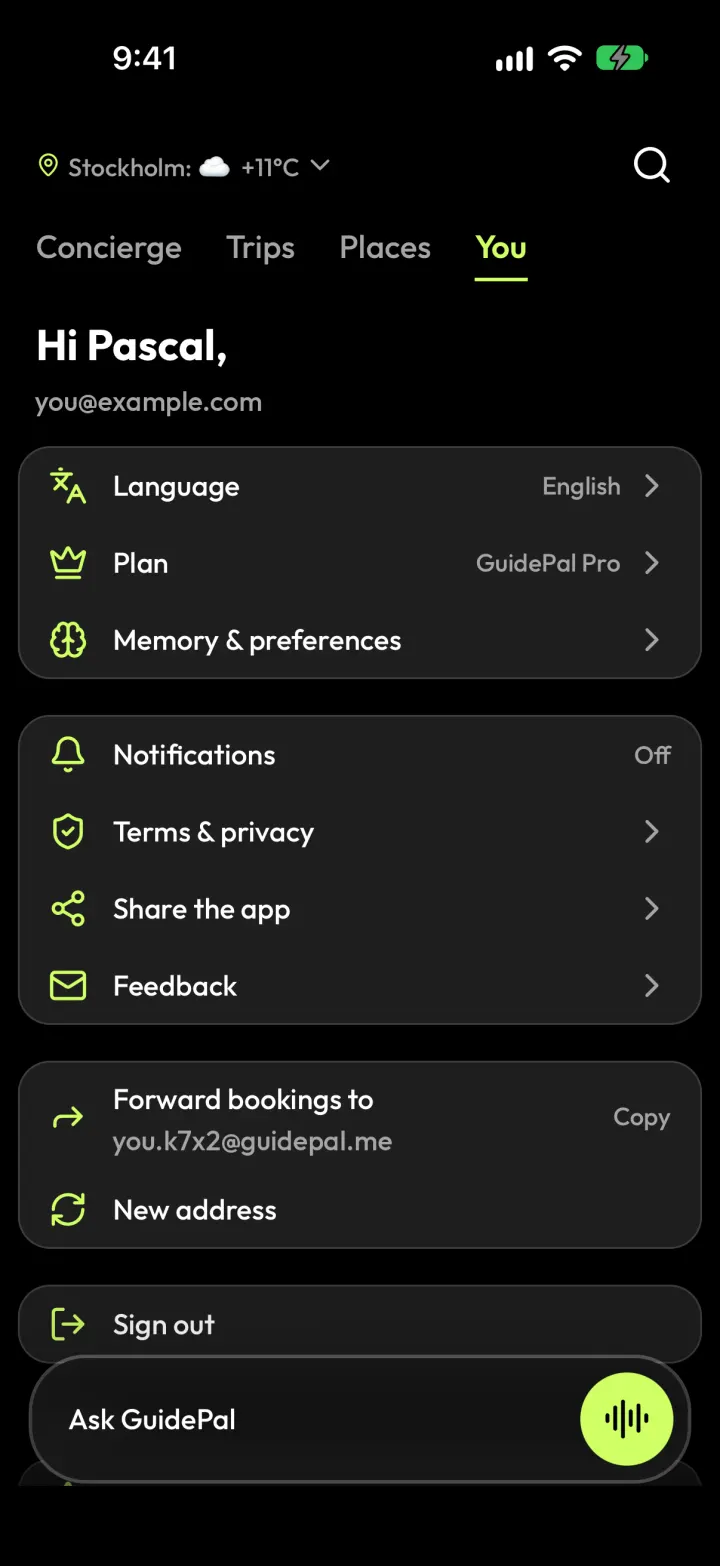
1Open You, then Memory & preferences.
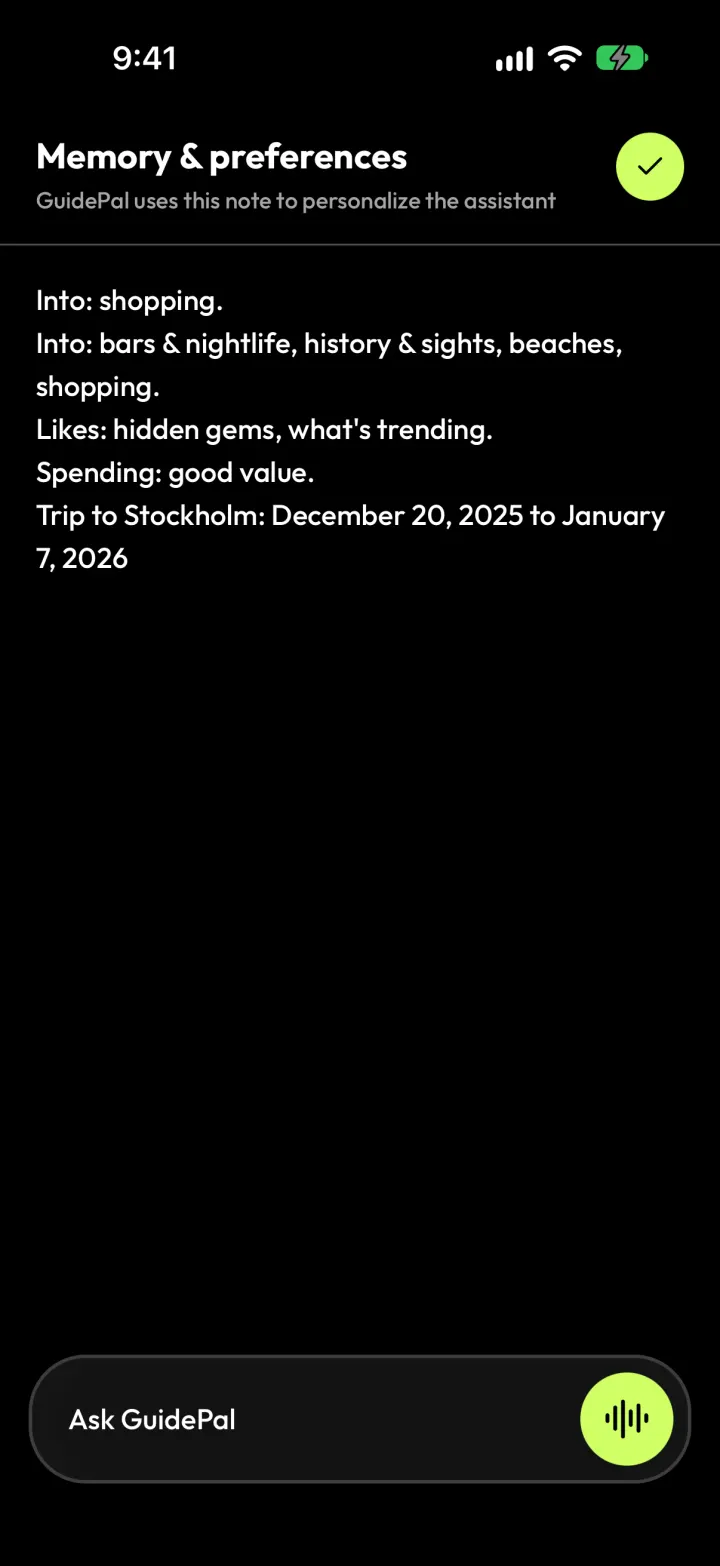
2See what it knows about you, and edit anything.
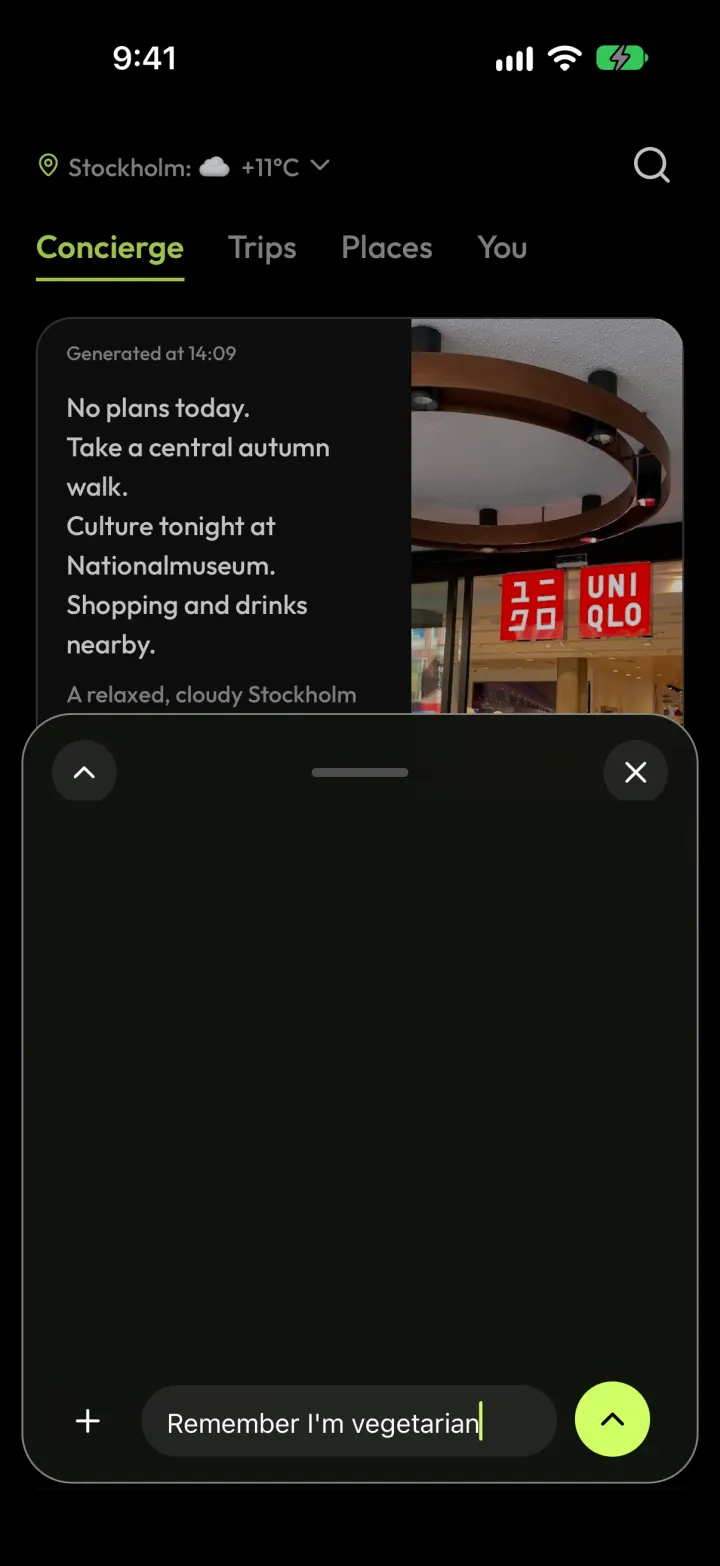
3Or just say it: “Remember I'm vegetarian.”